
Your graphics add a nice touch to my presentations and I recently used them for one of my all-hands meetings. Your toolbox adds professionalism to my slides. Instead of using standard clipart.
Claude Jones, Director of Engineer, @Walmartlabs, USA
Your graphics add a nice touch to my presentations and I recently used them for one of my all-hands meetings. Your toolbox adds professionalism to my slides. Instead of using standard clipart.
Claude Jones, Director of Engineer, @Walmartlabs, USA
I needed a fresh look at some of my slides. I've tried to find a way to create a paintbrush effect, to underline, accentuate, add some color and the handwritten markers were just the things. Very easy to use, easy to size, change the color. It was an affordable, perfect solution and I'm happy to recommend it.
Anonymous, US
The crisp, clean look of the graphics, and the fact that it allowed me to easily edit and change the colors to match the template was my main reason for purchasing them.
Brandie Jenkins, E-learning Developer, USA
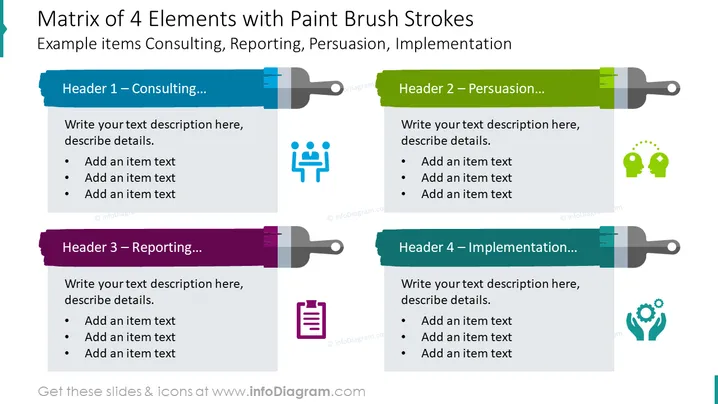
The slide contains a matrix layout describing four distinct elements. "Header 1 – Consulting" suggests content about advisory services and likely involves strategic discussions or expert opinions. "Header 2 – Persuasion" would relate to techniques or strategies to influence decision-making or gaining agreement. "Header 3 – Reporting" refers to the process of summarizing and communicating the status or progress. "Header 4 – Implementation" is about putting plans into action, executing strategies, and applying theoretical concepts in practical scenarios.
The slide uses vivid, contrasting colors with brush strokes to visually separate the content. Icons give a quick clue to the content type, while the layout ensures a structured approach to presenting information.




