
Your graphics add a nice touch to my presentations and I recently used them for one of my all-hands meetings. Your toolbox adds professionalism to my slides. Instead of using standard clipart.
Claude Jones, Director of Engineer, @Walmartlabs, USA
Your graphics add a nice touch to my presentations and I recently used them for one of my all-hands meetings. Your toolbox adds professionalism to my slides. Instead of using standard clipart.
Claude Jones, Director of Engineer, @Walmartlabs, USA
I needed a fresh look at some of my slides. I've tried to find a way to create a paintbrush effect, to underline, accentuate, add some color and the handwritten markers were just the things. Very easy to use, easy to size, change the color. It was an affordable, perfect solution and I'm happy to recommend it.
Anonymous, US
The crisp, clean look of the graphics, and the fact that it allowed me to easily edit and change the colors to match the template was my main reason for purchasing them.
Brandie Jenkins, E-learning Developer, USA
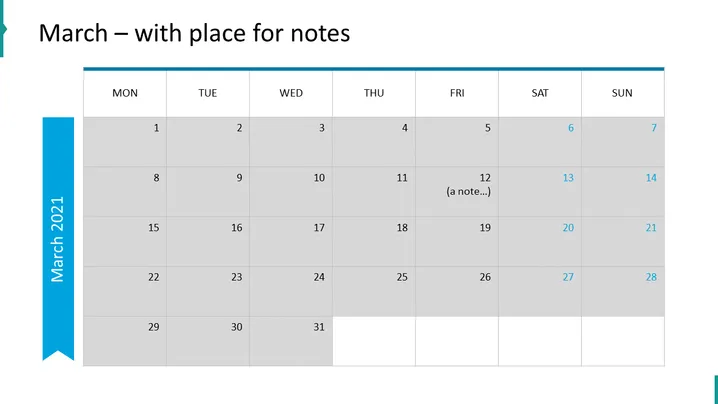
The PowerPoint slide appears to be a calendar template for the month of March, labeled "March – with place for notes." It is structured as a standard monthly calendar with rows representing weeks and columns representing days from Monday to Sunday. Within this layout, the dates are filled in from the 1st to the 31st. The 12th has an example entry that reads "(a note...)," indicating where users could add their own notes or appointments.
The overall look of the slide is clean and professional with a color scheme that is neutral, aside from the blue accent on the left. The alternating grey tones help differentiate between the days and make it visually easy to navigate.




