
Your graphics add a nice touch to my presentations and I recently used them for one of my all-hands meetings. Your toolbox adds professionalism to my slides. Instead of using standard clipart.
Claude Jones, Director of Engineer, @Walmartlabs, USA

Your graphics add a nice touch to my presentations and I recently used them for one of my all-hands meetings. Your toolbox adds professionalism to my slides. Instead of using standard clipart.
Claude Jones, Director of Engineer, @Walmartlabs, USA

I needed a fresh look at some of my slides. I've tried to find a way to create a paintbrush effect, to underline, accentuate, add some color and the handwritten markers were just the things. Very easy to use, easy to size, change the color. It was an affordable, perfect solution and I'm happy to recommend it.
Anonymous, US
The crisp, clean look of the graphics, and the fact that it allowed me to easily edit and change the colors to match the template was my main reason for purchasing them.
Brandie Jenkins, E-learning Developer, USA
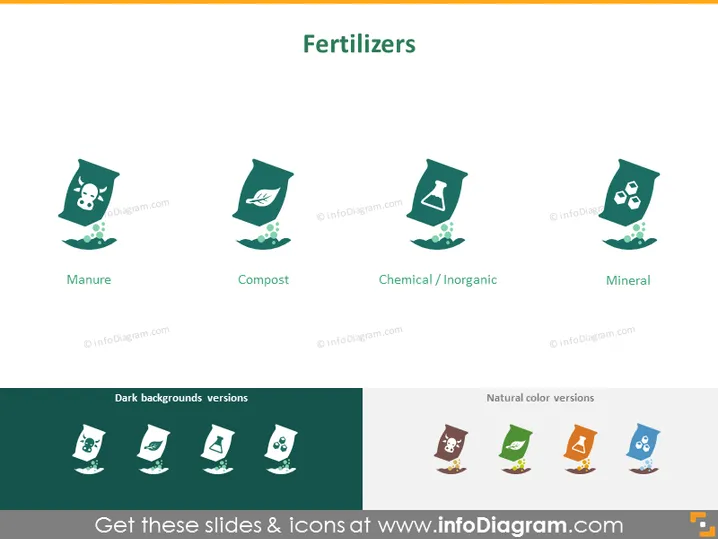
The PowerPoint slide presents a summary of different types of fertilizers, each represented by an icon and a label beneath it: Manure, signifying natural animal waste used as fertilizer; Compost, denoting decayed organic material used to enrich soil; Chemical / Inorganic, which are synthetically manufactured nutrients for plants; and Mineral, referring to mined nutrients that also aid plant growth.
The overall aesthetic of the slide is clean and modern, with a consistent graphical style for the icons. The use of both flat and natural colors gives the slide a professional yet approachable look.


