
Your graphics add a nice touch to my presentations and I recently used them for one of my all-hands meetings. Your toolbox adds professionalism to my slides. Instead of using standard clipart.
Claude Jones, Director of Engineer, @Walmartlabs, USA

Your graphics add a nice touch to my presentations and I recently used them for one of my all-hands meetings. Your toolbox adds professionalism to my slides. Instead of using standard clipart.
Claude Jones, Director of Engineer, @Walmartlabs, USA

I needed a fresh look at some of my slides. I've tried to find a way to create a paintbrush effect, to underline, accentuate, add some color and the handwritten markers were just the things. Very easy to use, easy to size, change the color. It was an affordable, perfect solution and I'm happy to recommend it.
Anonymous, US
The crisp, clean look of the graphics, and the fact that it allowed me to easily edit and change the colors to match the template was my main reason for purchasing them.
Brandie Jenkins, E-learning Developer, USA
Your sample text here
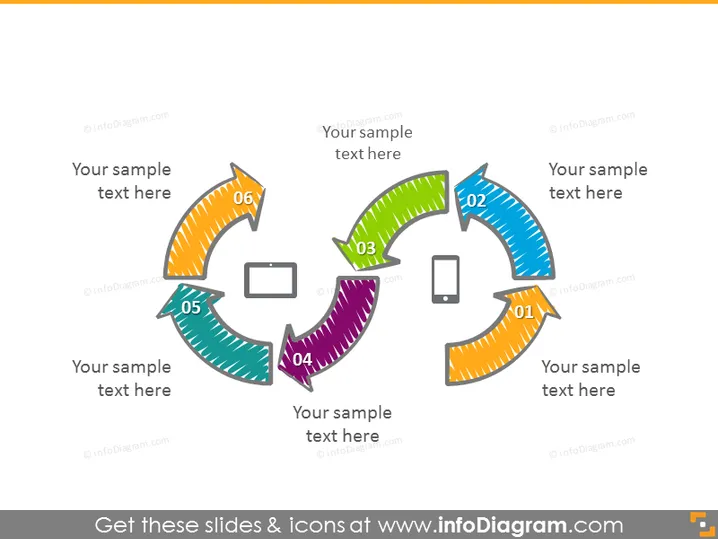
The slide presents a cyclic process or sequence with six steps, visually represented by colored arrows forming a circle. Each arrow is numbered and has space for descriptive text, indicating a phase or part of a larger workflow. These steps could represent stages in a business process, milestones in a project timeline, or sequential actions in an operational procedure. Their circular arrangement suggests a repeatable or iterative nature, which could be used to discuss continuous improvement, feedback loops, or life cycles in various contexts.
The overall look of the slide is colorful and engaging, with a clear visual emphasis on the cyclic nature of the content it is designed to present. The mix of icons and numbers with the varied colors of the arrows helps to break down information into easily digestible segments.


