

Your graphics add a nice touch to my presentations and I recently used them for one of my all-hands meetings. Your toolbox adds professionalism to my slides. Instead of using standard clipart.
Claude Jones, Director of Engineer, @Walmartlabs, USA

Your graphics add a nice touch to my presentations and I recently used them for one of my all-hands meetings. Your toolbox adds professionalism to my slides. Instead of using standard clipart.
Claude Jones, Director of Engineer, @Walmartlabs, USA
I needed a fresh look at some of my slides. I've tried to find a way to create a paintbrush effect, to underline, accentuate, add some color and the handwritten markers were just the things. Very easy to use, easy to size, change the color. It was an affordable, perfect solution and I'm happy to recommend it.
Anonymous, US
The crisp, clean look of the graphics, and the fact that it allowed me to easily edit and change the colors to match the template was my main reason for purchasing them.
Brandie Jenkins, E-learning Developer, USA
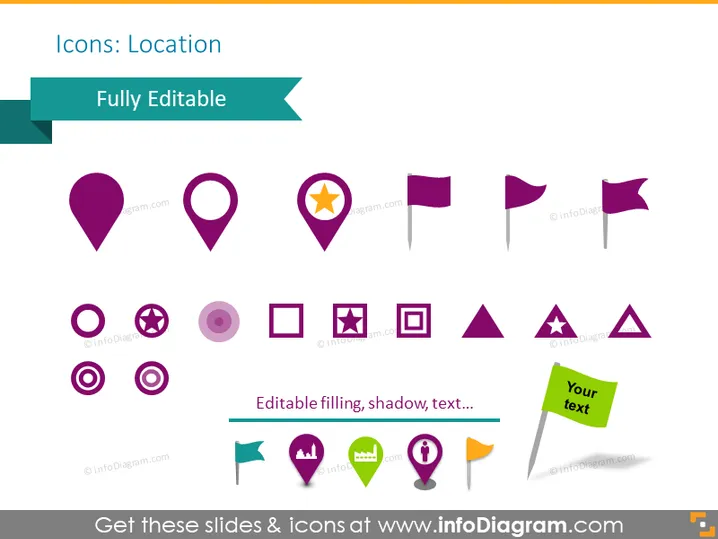
The PowerPoint slide is titled "Icons: Location" and features an assortment of icons related to location mapping and pin pointing. These icons include variations of map pins (e.g., the classic drop-shaped pin, star inside a pin), flags (which could represent waypoints or points of interest), and other shapes like circles and squares with symbols inside (indicating various types of locations or markers). A banner across the top states "Fully Editable," suggesting the icons can be customized in size, color, or text.
The slide has a modern, clean aesthetic with colorful, flat-design icons that effectively convey the concept of location and navigation. The simplicity of the icons makes them versatile for various uses in different presentation contexts.



