
Your graphics add a nice touch to my presentations and I recently used them for one of my all-hands meetings. Your toolbox adds professionalism to my slides. Instead of using standard clipart.
Claude Jones, Director of Engineer, @Walmartlabs, USA
Your graphics add a nice touch to my presentations and I recently used them for one of my all-hands meetings. Your toolbox adds professionalism to my slides. Instead of using standard clipart.
Claude Jones, Director of Engineer, @Walmartlabs, USA
I needed a fresh look at some of my slides. I've tried to find a way to create a paintbrush effect, to underline, accentuate, add some color and the handwritten markers were just the things. Very easy to use, easy to size, change the color. It was an affordable, perfect solution and I'm happy to recommend it.
Anonymous, US
The crisp, clean look of the graphics, and the fact that it allowed me to easily edit and change the colors to match the template was my main reason for purchasing them.
Brandie Jenkins, E-learning Developer, USA
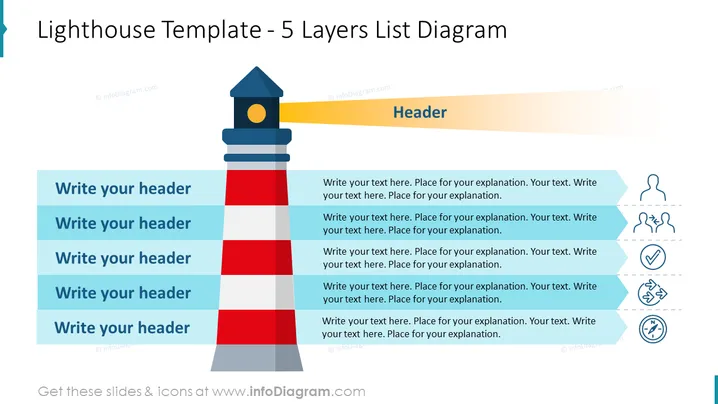
The slide titled "Lighthouse Template - 5 Layers List Diagram" seems to be a visual tool for presenting a layered approach to a topic. Each layer corresponds to a list item with space for a header and accompanying explanatory text. Concepts such as guidance, monitoring, and structure are implied through the use of the lighthouse metaphor. The five layers could represent stages, levels of priority, or a hierarchical structure within a strategic plan or project. Additionally, to the right of each header, there is room for further description, denoting the capacity for more detailed explanations.
The slide has a modern and professional appearance with a clean layout employing flat design principles for its graphical elements. Its color palette of blue, grey, red, and yellow is visually striking yet consistent throughout.




