

Your graphics add a nice touch to my presentations and I recently used them for one of my all-hands meetings. Your toolbox adds professionalism to my slides. Instead of using standard clipart.
Claude Jones, Director of Engineer, @Walmartlabs, USA

Your graphics add a nice touch to my presentations and I recently used them for one of my all-hands meetings. Your toolbox adds professionalism to my slides. Instead of using standard clipart.
Claude Jones, Director of Engineer, @Walmartlabs, USA
I needed a fresh look at some of my slides. I've tried to find a way to create a paintbrush effect, to underline, accentuate, add some color and the handwritten markers were just the things. Very easy to use, easy to size, change the color. It was an affordable, perfect solution and I'm happy to recommend it.
Anonymous, US
The crisp, clean look of the graphics, and the fact that it allowed me to easily edit and change the colors to match the template was my main reason for purchasing them.
Brandie Jenkins, E-learning Developer, USA
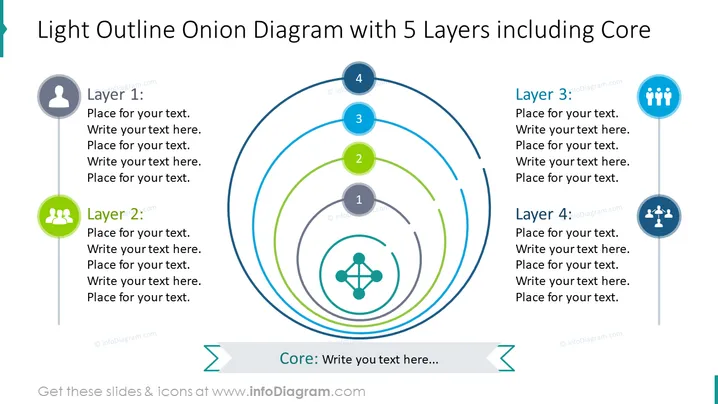
The slide is focused on a conceptual "Onion Diagram" with five concentric layers to represent information hierarchy or complexity. Each layer, numbered from the core (1) to the outermost layer (5), has a designated space for text, allowing the presenter to explain the relevance or details of each level. The core is at the center, emphasizing its importance, and each successive layer builds around the core to represent a growing or expanding concept. This layered approach is useful for visualizing nested or hierarchical structures in topics such as organizational frameworks, systems analysis, or product design.
The slide is visually clean and carefully organized, providing an aesthetically pleasing and easily understandable display of layered information. The use of icons and colored layers effectively draws the viewer's attention to the key elements of the diagram.



