
Your graphics add a nice touch to my presentations and I recently used them for one of my all-hands meetings. Your toolbox adds professionalism to my slides. Instead of using standard clipart.
Claude Jones, Director of Engineer, @Walmartlabs, USA
Your graphics add a nice touch to my presentations and I recently used them for one of my all-hands meetings. Your toolbox adds professionalism to my slides. Instead of using standard clipart.
Claude Jones, Director of Engineer, @Walmartlabs, USA
I needed a fresh look at some of my slides. I've tried to find a way to create a paintbrush effect, to underline, accentuate, add some color and the handwritten markers were just the things. Very easy to use, easy to size, change the color. It was an affordable, perfect solution and I'm happy to recommend it.
Anonymous, US
The crisp, clean look of the graphics, and the fact that it allowed me to easily edit and change the colors to match the template was my main reason for purchasing them.
Brandie Jenkins, E-learning Developer, USA
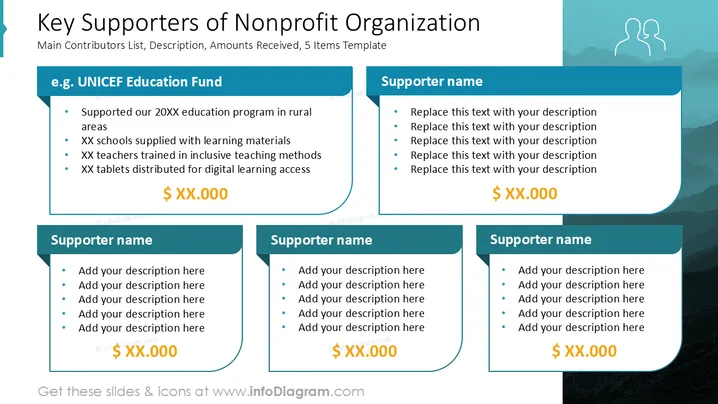
The slide discusses key supporters of a nonprofit organization. It highlights major contributors, offering a brief description of their involvement and financial contributions. Specific supporters such as the "UNICEF Education Fund" are mentioned, noting their aid in education, resources for schools, training educators, and distributing digital learning tools. An unspecified monetary contribution is noted for each supporter, indicating their financial support for the nonprofit's initiatives. The slide template suggests space for detailing other supporters similarly.
The overall look is professional and clean, ideal for presenting key information succinctly. The design is structured, making it easy to insert and update information.




