
Your graphics add a nice touch to my presentations and I recently used them for one of my all-hands meetings. Your toolbox adds professionalism to my slides. Instead of using standard clipart.
Claude Jones, Director of Engineer, @Walmartlabs, USA

Your graphics add a nice touch to my presentations and I recently used them for one of my all-hands meetings. Your toolbox adds professionalism to my slides. Instead of using standard clipart.
Claude Jones, Director of Engineer, @Walmartlabs, USA

I needed a fresh look at some of my slides. I've tried to find a way to create a paintbrush effect, to underline, accentuate, add some color and the handwritten markers were just the things. Very easy to use, easy to size, change the color. It was an affordable, perfect solution and I'm happy to recommend it.
Anonymous, US
The crisp, clean look of the graphics, and the fact that it allowed me to easily edit and change the colors to match the template was my main reason for purchasing them.
Brandie Jenkins, E-learning Developer, USA
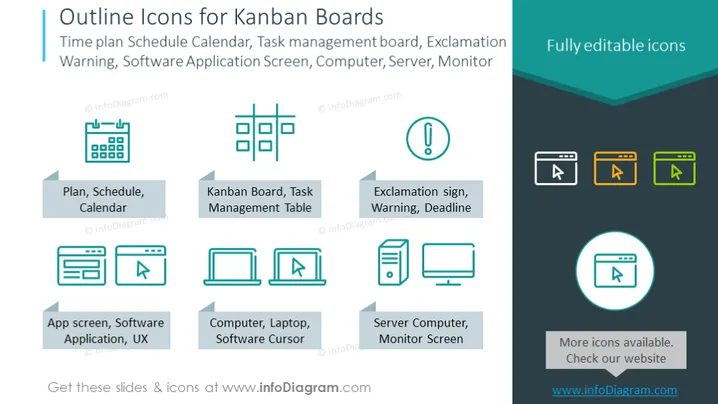
The PowerPoint slide is titled "Outline Icons for Kanban Boards" and describes a set of vector icons relevant to project management and Kanban boards. The icons include a Plan, Schedule, or Calendar symbolizing organization and time management; a Kanban Board or Task Management Table representing the visualization of work; an Exclamation sign for alerts, warnings, or deadlines; an App screen or Software Application for user experience design; a Computer, Laptop, or Software Cursor indicating technology interfaces; and a Server Computer or Monitor Screen for system hardware components.
The slide has a balanced and symmetrical arrangement, with a clean, professional design aesthetic. The use of flat icons and a harmonious color palette gives it a contemporary feel suitable for business presentations.


