

Your graphics add a nice touch to my presentations and I recently used them for one of my all-hands meetings. Your toolbox adds professionalism to my slides. Instead of using standard clipart.
Claude Jones, Director of Engineer, @Walmartlabs, USA

Your graphics add a nice touch to my presentations and I recently used them for one of my all-hands meetings. Your toolbox adds professionalism to my slides. Instead of using standard clipart.
Claude Jones, Director of Engineer, @Walmartlabs, USA
I needed a fresh look at some of my slides. I've tried to find a way to create a paintbrush effect, to underline, accentuate, add some color and the handwritten markers were just the things. Very easy to use, easy to size, change the color. It was an affordable, perfect solution and I'm happy to recommend it.
Anonymous, US
The crisp, clean look of the graphics, and the fact that it allowed me to easily edit and change the colors to match the template was my main reason for purchasing them.
Brandie Jenkins, E-learning Developer, USA
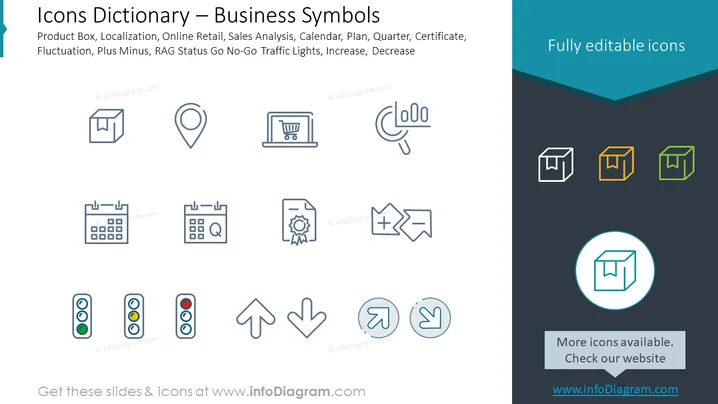
The PowerPoint slide presents a collection of business-related icons. Each icon represents a different concept, among them are 'Product Box,' symbolizing physical or digital products; 'Localization,' depicted with a map pin, indicating geographical placement or GPS services; 'Online Retail,' shown with a shopping cart, referring to e-commerce activities; 'Sales Analysis,' represented with a graph and magnifying glass, implying data examination; 'Calendar, Plan, Quarter,' indicating time planning and scheduling; 'Certificate,' suggesting qualifications or achievements; 'Fluctuation,' with arrows, denoting variable metrics; 'Plus Minus,' indicating adjustments; 'RAG Status Go-No-Go Traffic Lights,' for project status reporting; and 'Increase, Decrease,' with arrows, representing growth or reduction trends.
The slide has a clean and professional look with a well-organized layout. The use of consistent iconography and simple colors gives the slide a modern and minimalistic feel.



