
Your graphics add a nice touch to my presentations and I recently used them for one of my all-hands meetings. Your toolbox adds professionalism to my slides. Instead of using standard clipart.
Claude Jones, Director of Engineer, @Walmartlabs, USA
Your graphics add a nice touch to my presentations and I recently used them for one of my all-hands meetings. Your toolbox adds professionalism to my slides. Instead of using standard clipart.
Claude Jones, Director of Engineer, @Walmartlabs, USA
I needed a fresh look at some of my slides. I've tried to find a way to create a paintbrush effect, to underline, accentuate, add some color and the handwritten markers were just the things. Very easy to use, easy to size, change the color. It was an affordable, perfect solution and I'm happy to recommend it.
Anonymous, US
The crisp, clean look of the graphics, and the fact that it allowed me to easily edit and change the colors to match the template was my main reason for purchasing them.
Brandie Jenkins, E-learning Developer, USA
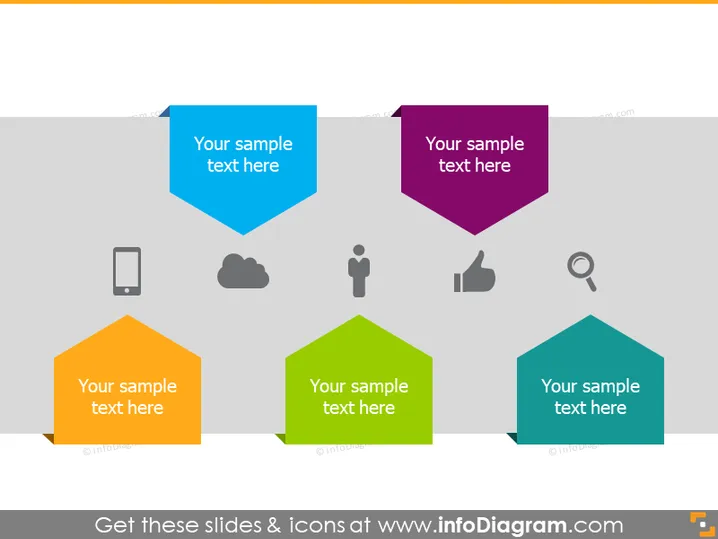
The PowerPoint slide displays a collection of hexagonal shapes with icons placed on the top of each, suggesting a thematic or functional categorization. Each hexagon also contains a placeholder text "Your sample text here", indicating where the presenter may insert their own content to explain the icons’ significance. For example, a mobile phone icon might represent technology or communication topics, a cloud could symbolize data storage or computing, and a thumbs-up may denote approval or success metrics. The presence of a magnifying glass suggests analysis or research-related content.
The overall look of the slide is modern and minimalistic, focused on conveying information through a combination of visual symbols and brief text placeholders. The color-coded hexagons help distinguish between different topics or categories at a glance.




