

Your graphics add a nice touch to my presentations and I recently used them for one of my all-hands meetings. Your toolbox adds professionalism to my slides. Instead of using standard clipart.
Claude Jones, Director of Engineer, @Walmartlabs, USA

Your graphics add a nice touch to my presentations and I recently used them for one of my all-hands meetings. Your toolbox adds professionalism to my slides. Instead of using standard clipart.
Claude Jones, Director of Engineer, @Walmartlabs, USA
I needed a fresh look at some of my slides. I've tried to find a way to create a paintbrush effect, to underline, accentuate, add some color and the handwritten markers were just the things. Very easy to use, easy to size, change the color. It was an affordable, perfect solution and I'm happy to recommend it.
Anonymous, US
The crisp, clean look of the graphics, and the fact that it allowed me to easily edit and change the colors to match the template was my main reason for purchasing them.
Brandie Jenkins, E-learning Developer, USA
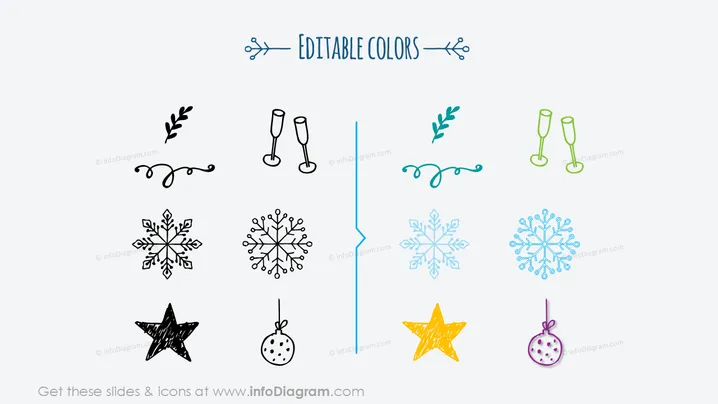
The PowerPoint slide appears to focus on the concept of customizability, specifically through 'Editable Colors' of various icons. These icons include a combination of celebratory and seasonal images, such as foliage, champagne glasses, snowflakes, a star, and a bauble. Each icon is presented twice, once in black and once in color, illustrating the before and after effect of color editing. The foliage represents growth or freshness, champagne glasses could signify celebration or success, snowflakes might represent winter or uniqueness, the scribbled star could symbolize excellence or a festive event, and the bauble may stand for decoration or festivities.
The slide overall has a clean, minimalist aesthetic with a clear visual contrast between editable and non-editable elements which effectively communicates the adaptability of design elements.



