

Your graphics add a nice touch to my presentations and I recently used them for one of my all-hands meetings. Your toolbox adds professionalism to my slides. Instead of using standard clipart.
Claude Jones, Director of Engineer, @Walmartlabs, USA

Your graphics add a nice touch to my presentations and I recently used them for one of my all-hands meetings. Your toolbox adds professionalism to my slides. Instead of using standard clipart.
Claude Jones, Director of Engineer, @Walmartlabs, USA
I needed a fresh look at some of my slides. I've tried to find a way to create a paintbrush effect, to underline, accentuate, add some color and the handwritten markers were just the things. Very easy to use, easy to size, change the color. It was an affordable, perfect solution and I'm happy to recommend it.
Anonymous, US
The crisp, clean look of the graphics, and the fact that it allowed me to easily edit and change the colors to match the template was my main reason for purchasing them.
Brandie Jenkins, E-learning Developer, USA
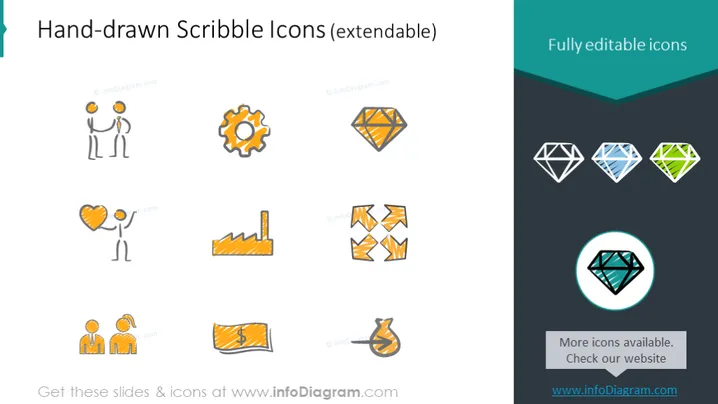
This PowerPoint slide presents two sets of icons under the categories "Hand-drawn Scribble Icons (extendable)" and "Fully editable icons." The hand-drawn icons are styled to appear sketched and include a light bulb (suggesting an idea), gears (representing collaboration or mechanics), a heart (symbolizing love or passion), an industrial symbol (implying manufacture or production), figures with speech bubbles (indicating conversation or discussion), and a financial chart (denoting growth or decline in economic contexts). The fully editable icons on the right are diamond shapes in various colors and styles, emphasizing customization and versatility in design.
The slide has a clean and modern visual composition, using dual-toned themes to contrast the informal hand-drawn icons with the formal and polished fully editable icons. The differing styles convey a range of customization options for presentation aids.



