
Your graphics add a nice touch to my presentations and I recently used them for one of my all-hands meetings. Your toolbox adds professionalism to my slides. Instead of using standard clipart.
Claude Jones, Director of Engineer, @Walmartlabs, USA

Your graphics add a nice touch to my presentations and I recently used them for one of my all-hands meetings. Your toolbox adds professionalism to my slides. Instead of using standard clipart.
Claude Jones, Director of Engineer, @Walmartlabs, USA

I needed a fresh look at some of my slides. I've tried to find a way to create a paintbrush effect, to underline, accentuate, add some color and the handwritten markers were just the things. Very easy to use, easy to size, change the color. It was an affordable, perfect solution and I'm happy to recommend it.
Anonymous, US
The crisp, clean look of the graphics, and the fact that it allowed me to easily edit and change the colors to match the template was my main reason for purchasing them.
Brandie Jenkins, E-learning Developer, USA
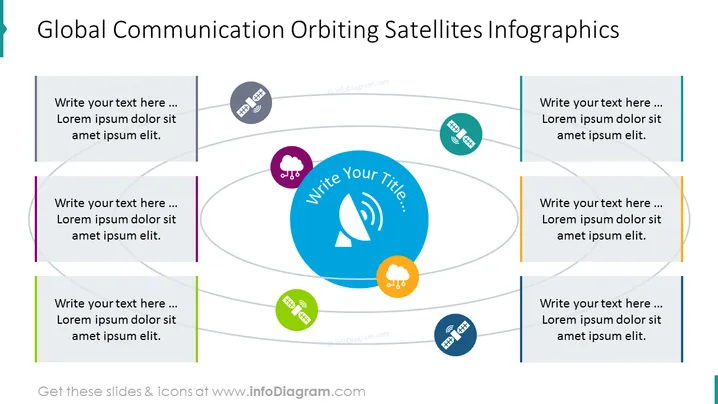
The PowerPoint slide, titled "Global Communication Orbiting Satellites Infographics," features placeholders for adding text around a central icon representing satellite communications. Around this central icon are four colored circles with satellite and cloud graphics, suggesting different facets or nodes of communication. Each colored circle has an associated text box for further details, which signifies components of a global communication network.
The overall look of the slide is modern, clean, and professional. The use of color and graphics creates a visually engaging theme that corresponds to the concept of global communications.


