
Your graphics add a nice touch to my presentations and I recently used them for one of my all-hands meetings. Your toolbox adds professionalism to my slides. Instead of using standard clipart.
Claude Jones, Director of Engineer, @Walmartlabs, USA
Your graphics add a nice touch to my presentations and I recently used them for one of my all-hands meetings. Your toolbox adds professionalism to my slides. Instead of using standard clipart.
Claude Jones, Director of Engineer, @Walmartlabs, USA
I needed a fresh look at some of my slides. I've tried to find a way to create a paintbrush effect, to underline, accentuate, add some color and the handwritten markers were just the things. Very easy to use, easy to size, change the color. It was an affordable, perfect solution and I'm happy to recommend it.
Anonymous, US
The crisp, clean look of the graphics, and the fact that it allowed me to easily edit and change the colors to match the template was my main reason for purchasing them.
Brandie Jenkins, E-learning Developer, USA
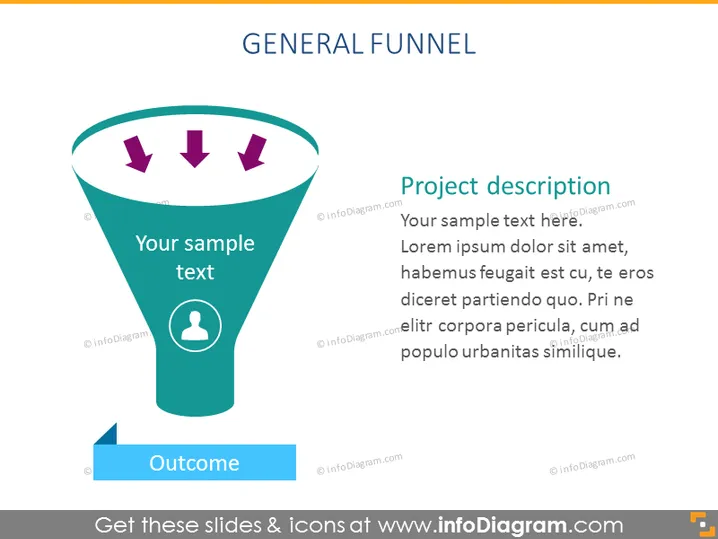
The slide depicts a "General Funnel" with a section for text input labeled "Your sample text" near the top inside the funnel, potentially describing the initial stages of the funnel process. Three arrows point downwards inside the funnel to signify the flow towards an outcome, marked by a ribbon-like shape that also includes a placeholder for text ("Outcome"). Beside the funnel graphic is a section titled "Project description," with placeholder text indicating where a speaker may elaborate on the specifics of the project or process being presented.
The visual elements have a flat design with some elements using depth effects like shadows to create a slight 3D look. The use of bold colors and clear icons contributes to a modern and professional appearance.




