
Your graphics add a nice touch to my presentations and I recently used them for one of my all-hands meetings. Your toolbox adds professionalism to my slides. Instead of using standard clipart.
Claude Jones, Director of Engineer, @Walmartlabs, USA
Your graphics add a nice touch to my presentations and I recently used them for one of my all-hands meetings. Your toolbox adds professionalism to my slides. Instead of using standard clipart.
Claude Jones, Director of Engineer, @Walmartlabs, USA
I needed a fresh look at some of my slides. I've tried to find a way to create a paintbrush effect, to underline, accentuate, add some color and the handwritten markers were just the things. Very easy to use, easy to size, change the color. It was an affordable, perfect solution and I'm happy to recommend it.
Anonymous, US
The crisp, clean look of the graphics, and the fact that it allowed me to easily edit and change the colors to match the template was my main reason for purchasing them.
Brandie Jenkins, E-learning Developer, USA
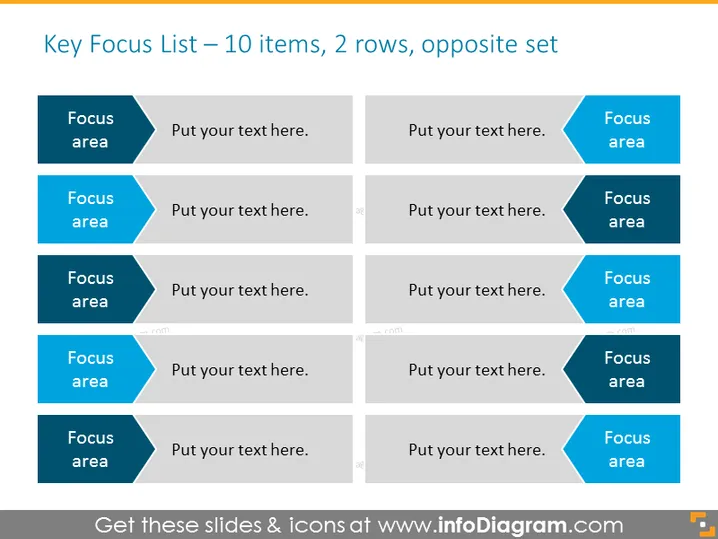
The slide presents a structured format for listing key focus areas, designed to display 10 different items across two rows. Each row contains 5 focus areas, arranged in alternating order to facilitate comparison or to present related objectives. For example, "Focus area" indicates a placeholder for a specific topic or goal, followed by "Put your text here" suggesting a spot to elaborate on each focus area. This layout is instrumental in organizing information in a clear, readable format and makes it easy for the audience to understand priorities or action steps.
The slide has a clean, professional appearance with a simple color palette that emphasizes the content. The symmetric design aids in conveying a balanced and organized structure of information.




