
Your graphics add a nice touch to my presentations and I recently used them for one of my all-hands meetings. Your toolbox adds professionalism to my slides. Instead of using standard clipart.
Claude Jones, Director of Engineer, @Walmartlabs, USA
Your graphics add a nice touch to my presentations and I recently used them for one of my all-hands meetings. Your toolbox adds professionalism to my slides. Instead of using standard clipart.
Claude Jones, Director of Engineer, @Walmartlabs, USA
I needed a fresh look at some of my slides. I've tried to find a way to create a paintbrush effect, to underline, accentuate, add some color and the handwritten markers were just the things. Very easy to use, easy to size, change the color. It was an affordable, perfect solution and I'm happy to recommend it.
Anonymous, US
The crisp, clean look of the graphics, and the fact that it allowed me to easily edit and change the colors to match the template was my main reason for purchasing them.
Brandie Jenkins, E-learning Developer, USA
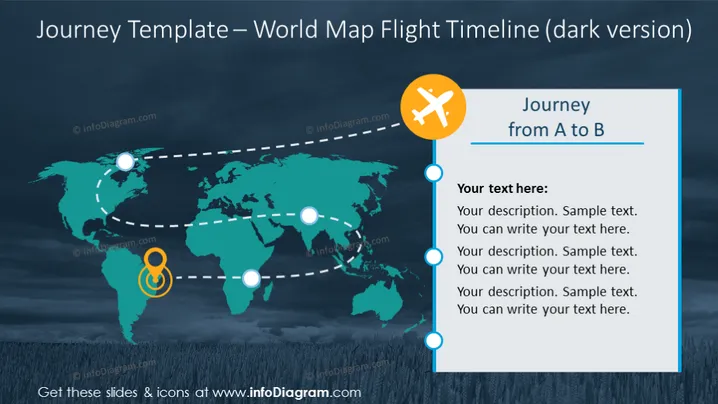
The slide contains a visual representation of a journey from point A to B, depicted as a dotted flight path across a world map. The layout includes placeholders for text, where a presenter can describe each stage of the journey. Each point on the flight path is marked by a circle, suggesting a sequence or steps in the journey that can be individually explained.
The slide is well-organized and follows a cohesive color scheme that supports the theme of travel or progression. The use of icons, circles, and dotted lines serves to create a narrative flow, guiding the viewer's eye across the slide.




