
Your graphics add a nice touch to my presentations and I recently used them for one of my all-hands meetings. Your toolbox adds professionalism to my slides. Instead of using standard clipart.
Claude Jones, Director of Engineer, @Walmartlabs, USA
Your graphics add a nice touch to my presentations and I recently used them for one of my all-hands meetings. Your toolbox adds professionalism to my slides. Instead of using standard clipart.
Claude Jones, Director of Engineer, @Walmartlabs, USA
I needed a fresh look at some of my slides. I've tried to find a way to create a paintbrush effect, to underline, accentuate, add some color and the handwritten markers were just the things. Very easy to use, easy to size, change the color. It was an affordable, perfect solution and I'm happy to recommend it.
Anonymous, US
The crisp, clean look of the graphics, and the fact that it allowed me to easily edit and change the colors to match the template was my main reason for purchasing them.
Brandie Jenkins, E-learning Developer, USA
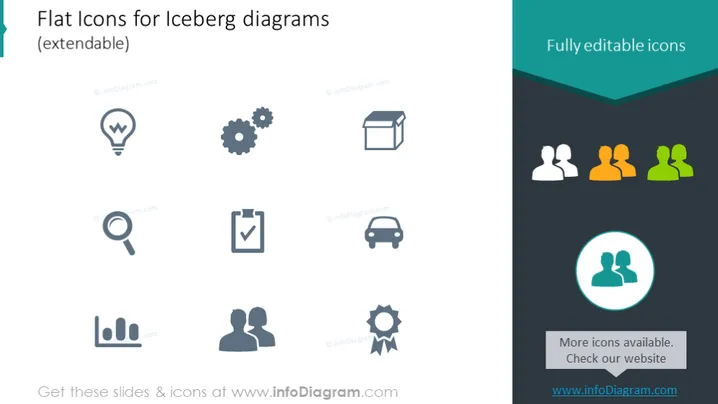
The PowerPoint slide is titled "Flat Icons for Iceberg diagrams (extendable)" and showcases a collection of flat icons that are designed for use with iceberg diagrams. These icons, which are fully editable, represent a variety of concepts such as ideas, settings, packaging, user groups, search, validation, analytics, partnership, and transportation. Each icon visually represents these abstract concepts through simple imagery—light bulbs for ideas, gears for settings, a box for packaging, etc.—making them suitable for visually categorizing and explaining components of larger or multi-layered ideas or processes in a presentation.
The slide design is modern and minimalist, with a focus on simple iconography that communicates different concepts. The use of contrasting colors, mainly teal and gray, offers a visually appealing way to draw attention to specific elements while keeping the overall design uncluttered.




