
Your graphics add a nice touch to my presentations and I recently used them for one of my all-hands meetings. Your toolbox adds professionalism to my slides. Instead of using standard clipart.
Claude Jones, Director of Engineer, @Walmartlabs, USA
Your graphics add a nice touch to my presentations and I recently used them for one of my all-hands meetings. Your toolbox adds professionalism to my slides. Instead of using standard clipart.
Claude Jones, Director of Engineer, @Walmartlabs, USA
I needed a fresh look at some of my slides. I've tried to find a way to create a paintbrush effect, to underline, accentuate, add some color and the handwritten markers were just the things. Very easy to use, easy to size, change the color. It was an affordable, perfect solution and I'm happy to recommend it.
Anonymous, US
The crisp, clean look of the graphics, and the fact that it allowed me to easily edit and change the colors to match the template was my main reason for purchasing them.
Brandie Jenkins, E-learning Developer, USA
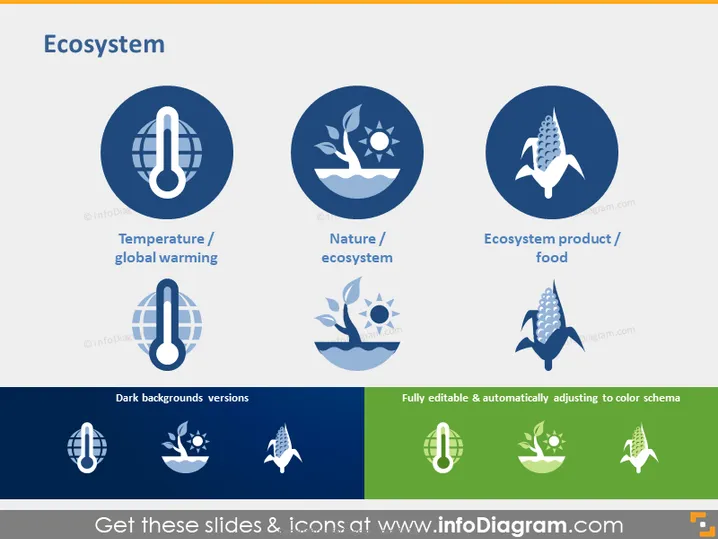
The PowerPoint slide titled "Ecosystem" visually categorizes three key aspects: 'Temperature/global warming,' representing the environmental impact on the climate; 'Nature/ecosystem,' indicating the natural environments and their interactions; and 'Ecosystem product/food,' which likely refers to the agricultural or natural products derived from ecosystems. Each concept is essential for understanding and communicating about the broader ecological context and consequences of human actions.
The overall look is cohesive and themed, with clear visual representation of the slide's concepts. The minimalist design facilitates easy understanding and allows the icons to carry the main message without distraction.




