

Your graphics add a nice touch to my presentations and I recently used them for one of my all-hands meetings. Your toolbox adds professionalism to my slides. Instead of using standard clipart.
Claude Jones, Director of Engineer, @Walmartlabs, USA

Your graphics add a nice touch to my presentations and I recently used them for one of my all-hands meetings. Your toolbox adds professionalism to my slides. Instead of using standard clipart.
Claude Jones, Director of Engineer, @Walmartlabs, USA
I needed a fresh look at some of my slides. I've tried to find a way to create a paintbrush effect, to underline, accentuate, add some color and the handwritten markers were just the things. Very easy to use, easy to size, change the color. It was an affordable, perfect solution and I'm happy to recommend it.
Anonymous, US
The crisp, clean look of the graphics, and the fact that it allowed me to easily edit and change the colors to match the template was my main reason for purchasing them.
Brandie Jenkins, E-learning Developer, USA
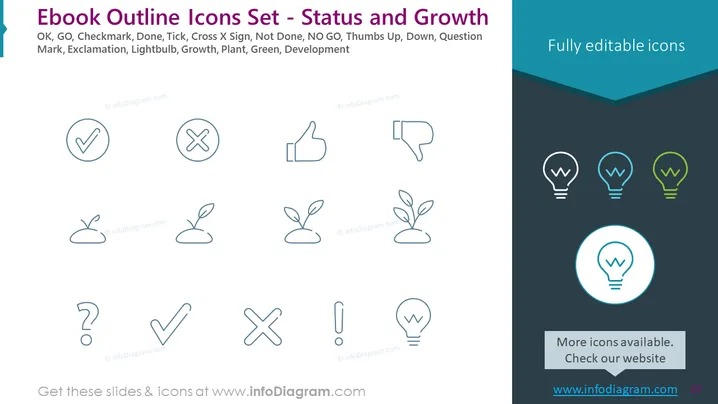
Slide Content: The slide presents a collection of outline icons representing various concepts like OK (approval), GO (proceed), checkmark (completion), tick (correct), cross x sign (incorrect or rejection), not done (incomplete), NO GO (stop or negative), thumbs up (positive feedback), thumbs down (negative feedback), question mark (inquiry or doubt), exclamation (attention or alert), lightbulb (idea or inspiration), growth (development or progress), plant (growth or natural development), and green (associated with growth or eco-friendliness). These icons are useful in displaying status and progression in various contexts.
Graphical Look:
The slide has a clean, professional look with a well-organized layout, keeping the focus on the icons. The colored icons on the right side add a touch of visual interest and help in directing the viewer's attention.
Use Cases:



