

Your graphics add a nice touch to my presentations and I recently used them for one of my all-hands meetings. Your toolbox adds professionalism to my slides. Instead of using standard clipart.
Claude Jones, Director of Engineer, @Walmartlabs, USA

Your graphics add a nice touch to my presentations and I recently used them for one of my all-hands meetings. Your toolbox adds professionalism to my slides. Instead of using standard clipart.
Claude Jones, Director of Engineer, @Walmartlabs, USA
I needed a fresh look at some of my slides. I've tried to find a way to create a paintbrush effect, to underline, accentuate, add some color and the handwritten markers were just the things. Very easy to use, easy to size, change the color. It was an affordable, perfect solution and I'm happy to recommend it.
Anonymous, US
The crisp, clean look of the graphics, and the fact that it allowed me to easily edit and change the colors to match the template was my main reason for purchasing them.
Brandie Jenkins, E-learning Developer, USA
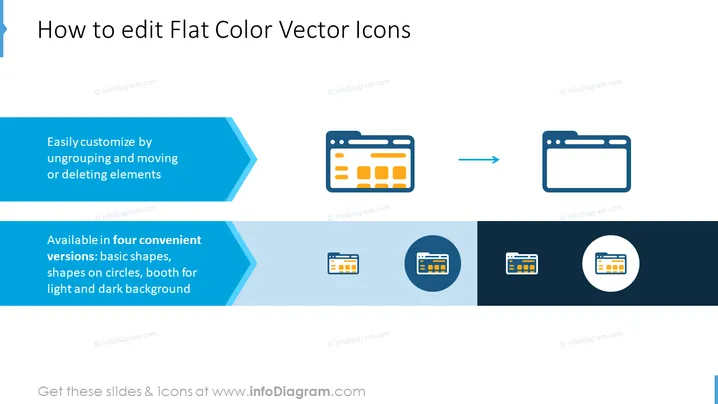
The slide is designed to instruct viewers on how to edit flat color vector icons. It highlights two key points: the first point explains that icons can be easily customized by ungrouping and moving or deleting elements which implies that the icons are made up of multiple components that can be individually manipulated. The second point states that the icons are available in four convenient versions: basic shapes, shapes on circles, booth for light and dark background, indicating the different styles and background compatibility options available for the icons to ensure they can be integrated into various presentation designs.
The slide has a clean, modern design with a blue and white color scheme that promotes a sense of clarity and efficiency. The use of graphical icons alongside explanatory text makes the instructions easily understandable at a glance.



