

Your graphics add a nice touch to my presentations and I recently used them for one of my all-hands meetings. Your toolbox adds professionalism to my slides. Instead of using standard clipart.
Claude Jones, Director of Engineer, @Walmartlabs, USA

Your graphics add a nice touch to my presentations and I recently used them for one of my all-hands meetings. Your toolbox adds professionalism to my slides. Instead of using standard clipart.
Claude Jones, Director of Engineer, @Walmartlabs, USA
I needed a fresh look at some of my slides. I've tried to find a way to create a paintbrush effect, to underline, accentuate, add some color and the handwritten markers were just the things. Very easy to use, easy to size, change the color. It was an affordable, perfect solution and I'm happy to recommend it.
Anonymous, US
The crisp, clean look of the graphics, and the fact that it allowed me to easily edit and change the colors to match the template was my main reason for purchasing them.
Brandie Jenkins, E-learning Developer, USA
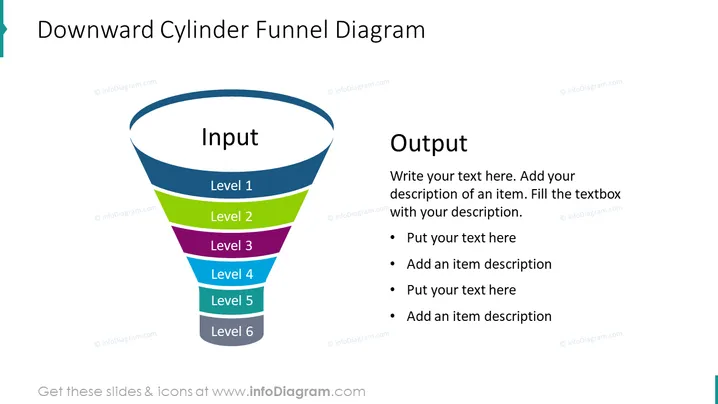
The slide presents a "Downward Cylinder Funnel Diagram" which is a graphical representation of a process that filters input through various levels (Level 1 to Level 6) to produce an output. Each level likely represents a stage or phase where certain criteria or actions are applied, progressively narrowing down the input to reach the desired outcome. The diagram could be used to describe processes like sales funnels, decision-making, or project stages. On the right side, there is space provided for explanatory text to describe each level, thus enabling the presenter to make the contents clear and informative to the audience.
The slide has a balanced composition, utilizing both graphics and text in a clear and visually appealing manner. The color-coded funnel facilitates the understanding of a categorized process, while the designated text area allows for detailed descriptions to be easily associated with the graphical elements.



