

Your graphics add a nice touch to my presentations and I recently used them for one of my all-hands meetings. Your toolbox adds professionalism to my slides. Instead of using standard clipart.
Claude Jones, Director of Engineer, @Walmartlabs, USA

Your graphics add a nice touch to my presentations and I recently used them for one of my all-hands meetings. Your toolbox adds professionalism to my slides. Instead of using standard clipart.
Claude Jones, Director of Engineer, @Walmartlabs, USA
I needed a fresh look at some of my slides. I've tried to find a way to create a paintbrush effect, to underline, accentuate, add some color and the handwritten markers were just the things. Very easy to use, easy to size, change the color. It was an affordable, perfect solution and I'm happy to recommend it.
Anonymous, US
The crisp, clean look of the graphics, and the fact that it allowed me to easily edit and change the colors to match the template was my main reason for purchasing them.
Brandie Jenkins, E-learning Developer, USA
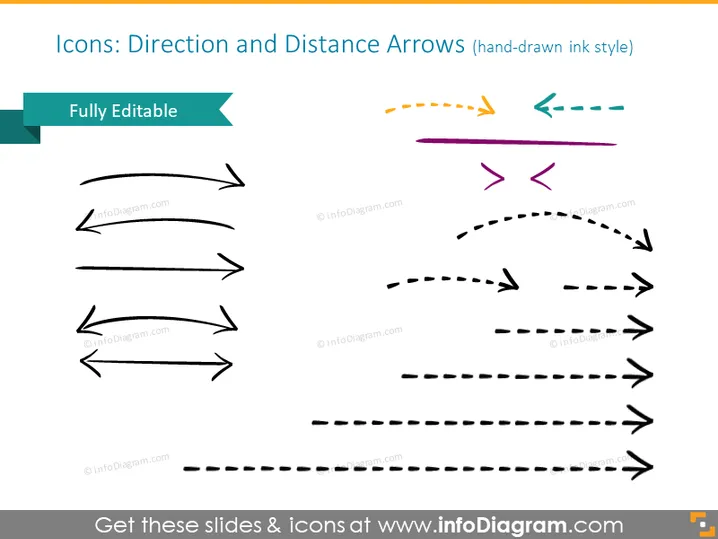
This PowerPoint slide is titled "Icons: Direction and Distance Arrows (hand-drawn ink style)" and showcases a collection of arrow icons in various designs and orientations, implying versatility and the capability to depict different pathways or processes. Each arrow demonstrates a concept: straight arrows for direct paths, curved arrows for changes in direction, dashed lines for intermittent or less concrete paths, and arrows pointing opposite directions for choices or conflict.
The slide has a creative and informal aesthetic due to the hand-drawn appearance of the icons. The composition's variety in arrow styles and directions provides a flexible visual toolkit for presenting different concepts related to movement, flow, or direction.



