
Your graphics add a nice touch to my presentations and I recently used them for one of my all-hands meetings. Your toolbox adds professionalism to my slides. Instead of using standard clipart.
Claude Jones, Director of Engineer, @Walmartlabs, USA
Your graphics add a nice touch to my presentations and I recently used them for one of my all-hands meetings. Your toolbox adds professionalism to my slides. Instead of using standard clipart.
Claude Jones, Director of Engineer, @Walmartlabs, USA
I needed a fresh look at some of my slides. I've tried to find a way to create a paintbrush effect, to underline, accentuate, add some color and the handwritten markers were just the things. Very easy to use, easy to size, change the color. It was an affordable, perfect solution and I'm happy to recommend it.
Anonymous, US
The crisp, clean look of the graphics, and the fact that it allowed me to easily edit and change the colors to match the template was my main reason for purchasing them.
Brandie Jenkins, E-learning Developer, USA
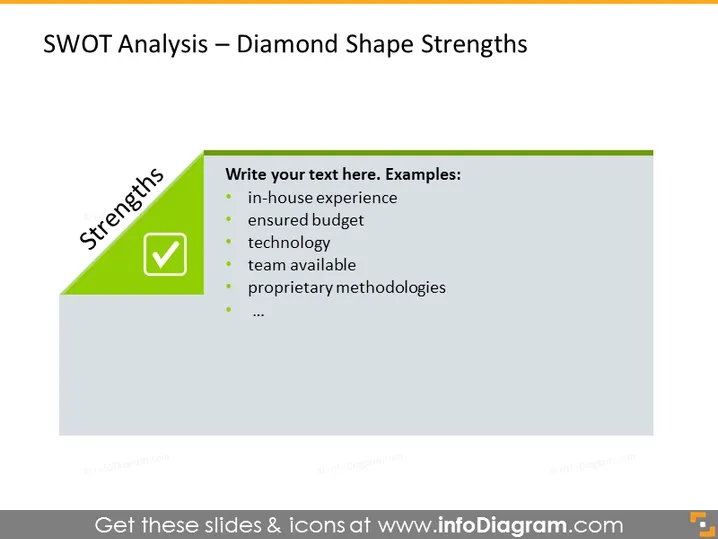
The slide presents a SWOT Analysis focusing on the "Strengths" aspect. The listed examples of strengths include "in-house experience," indicating a company's accumulated expertise; "ensured budget," which points to financial stability; "technology," referring to advanced tools or software the company uses; "team available," suggesting a ready and capable workforce; and "proprietary methodologies," which are unique techniques or processes that give the company a competitive edge.
The overall look of the slide is clean and professional, with a clear visual highlight on the "Strengths" section using a contrasting color. The text is well-organized with good use of space, allowing for easy readability.




