
Your graphics add a nice touch to my presentations and I recently used them for one of my all-hands meetings. Your toolbox adds professionalism to my slides. Instead of using standard clipart.
Claude Jones, Director of Engineer, @Walmartlabs, USA
Your graphics add a nice touch to my presentations and I recently used them for one of my all-hands meetings. Your toolbox adds professionalism to my slides. Instead of using standard clipart.
Claude Jones, Director of Engineer, @Walmartlabs, USA
I needed a fresh look at some of my slides. I've tried to find a way to create a paintbrush effect, to underline, accentuate, add some color and the handwritten markers were just the things. Very easy to use, easy to size, change the color. It was an affordable, perfect solution and I'm happy to recommend it.
Anonymous, US
The crisp, clean look of the graphics, and the fact that it allowed me to easily edit and change the colors to match the template was my main reason for purchasing them.
Brandie Jenkins, E-learning Developer, USA
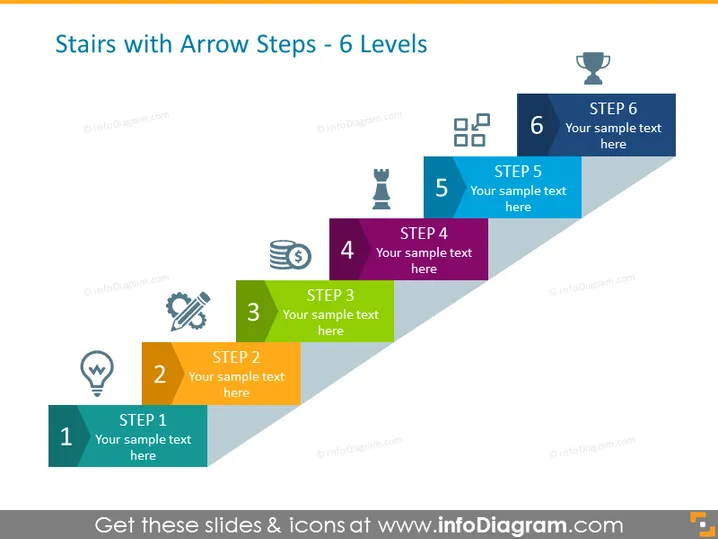
The slide represents a process divided into six distinct steps, each depicted as an ascending stair step with an arrow pointing upwards, indicating progression. Step 1 starts with a light bulb icon, suggesting an idea or inception phase. Step 2 features a pen tip, implying planning or documentation. Step 3's wrench and screw convey assembly or development. Step 4 is denoted by stacked coins, representing financial aspects or profit. Step 5 has a trophy, symbolizing achievement or reward. Finally, Step 6 is capped with checkmarks, indicating completion or final evaluation.
The slide is visually engaging, using colors and icons to clearly represent each stage of a process. The design is clean and modern, making it easy to follow and understand.




