
Your graphics add a nice touch to my presentations and I recently used them for one of my all-hands meetings. Your toolbox adds professionalism to my slides. Instead of using standard clipart.
Claude Jones, Director of Engineer, @Walmartlabs, USA
Your graphics add a nice touch to my presentations and I recently used them for one of my all-hands meetings. Your toolbox adds professionalism to my slides. Instead of using standard clipart.
Claude Jones, Director of Engineer, @Walmartlabs, USA
I needed a fresh look at some of my slides. I've tried to find a way to create a paintbrush effect, to underline, accentuate, add some color and the handwritten markers were just the things. Very easy to use, easy to size, change the color. It was an affordable, perfect solution and I'm happy to recommend it.
Anonymous, US
The crisp, clean look of the graphics, and the fact that it allowed me to easily edit and change the colors to match the template was my main reason for purchasing them.
Brandie Jenkins, E-learning Developer, USA
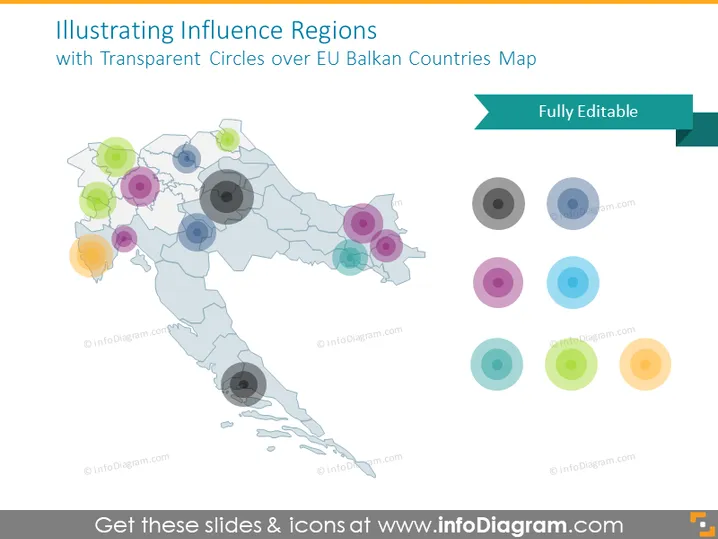
The PowerPoint slide is titled "Illustrating Influence Regions with Transparent Circles over EU Balkan Countries Map." It visually represents various regions of influence within the Balkans using translucent colored circles on a map. Each circle likely corresponds to a different level or type of influence, which would typically be explained in a presentation. The idea suggests a visual overlay of geopolitical or economic influence on the geographical area of the EU Balkans.
The slide has a clean, professional appearance with a color palette that is visually pleasing and aids in differentiating regions of influence. The translucent circles allow for the map details to remain visible while highlighting specific areas.




