

Your graphics add a nice touch to my presentations and I recently used them for one of my all-hands meetings. Your toolbox adds professionalism to my slides. Instead of using standard clipart.
Claude Jones, Director of Engineer, @Walmartlabs, USA

Your graphics add a nice touch to my presentations and I recently used them for one of my all-hands meetings. Your toolbox adds professionalism to my slides. Instead of using standard clipart.
Claude Jones, Director of Engineer, @Walmartlabs, USA
I needed a fresh look at some of my slides. I've tried to find a way to create a paintbrush effect, to underline, accentuate, add some color and the handwritten markers were just the things. Very easy to use, easy to size, change the color. It was an affordable, perfect solution and I'm happy to recommend it.
Anonymous, US
The crisp, clean look of the graphics, and the fact that it allowed me to easily edit and change the colors to match the template was my main reason for purchasing them.
Brandie Jenkins, E-learning Developer, USA
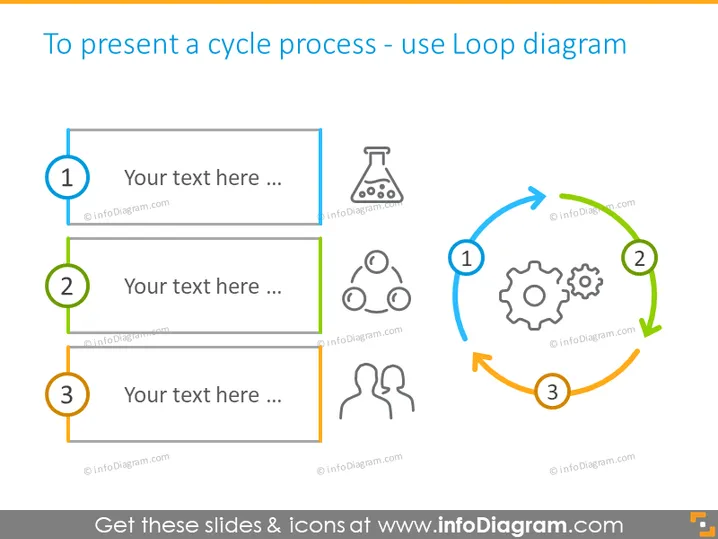
The slide introduces a Loop diagram as a method to present a cycle process. It feature three numbered steps, each with a space for text and an accompanying icon: 1. A gear symbol, representing a step related to mechanics or operations. 2. A flask icon, potentially illustrating a step involving experimentation or science. 3. Three interconnected human silhouettes, possibly denoting a step involving teamwork or social interaction. The cycle is visually depicted by arrows connecting these steps, suggesting a continuous process.
The overall look is modern and professional, with a clear emphasis on the cycle process through the use of colored arrows and related icons. The design is well-structured, making it easy to follow the flow and understand the sequence of steps.



