
Your graphics add a nice touch to my presentations and I recently used them for one of my all-hands meetings. Your toolbox adds professionalism to my slides. Instead of using standard clipart.
Claude Jones, Director of Engineer, @Walmartlabs, USA
Your graphics add a nice touch to my presentations and I recently used them for one of my all-hands meetings. Your toolbox adds professionalism to my slides. Instead of using standard clipart.
Claude Jones, Director of Engineer, @Walmartlabs, USA
I needed a fresh look at some of my slides. I've tried to find a way to create a paintbrush effect, to underline, accentuate, add some color and the handwritten markers were just the things. Very easy to use, easy to size, change the color. It was an affordable, perfect solution and I'm happy to recommend it.
Anonymous, US
The crisp, clean look of the graphics, and the fact that it allowed me to easily edit and change the colors to match the template was my main reason for purchasing them.
Brandie Jenkins, E-learning Developer, USA
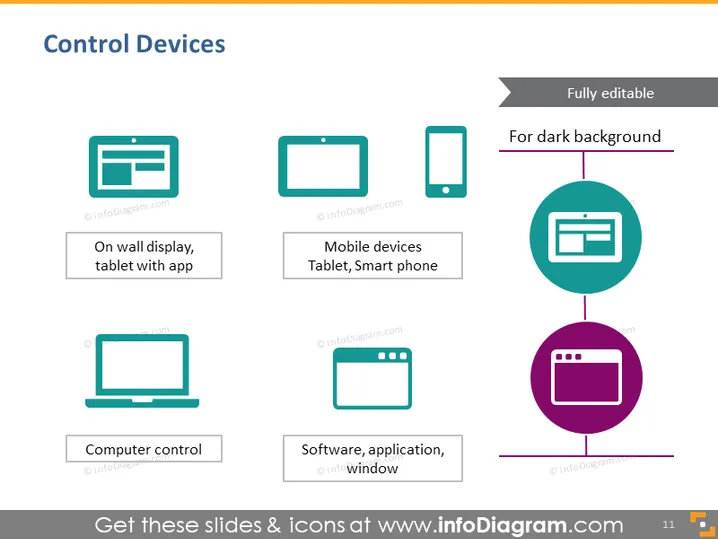
The PowerPoint slide titled "Control Devices" illustrates various types of devices and interfaces used for control purposes. There are four key elements, each represented by an icon and a brief description. The first is "On wall display, tablet with app," indicating a device mounted on a wall running a specific application. The second is "Mobile devices," referring to portable devices like tablets and smartphones. "Computer control" suggests the use of a desktop or laptop computer for controlling functions. Lastly, "Software, application, window" points to programs or services that run on these devices to provide control functionalities.
The overall aesthetic is modern and professional with a focus on pictorial representation of the content. The use of colored icons against the white background creates a visually appealing contrast.




