
Your graphics add a nice touch to my presentations and I recently used them for one of my all-hands meetings. Your toolbox adds professionalism to my slides. Instead of using standard clipart.
Claude Jones, Director of Engineer, @Walmartlabs, USA
Your graphics add a nice touch to my presentations and I recently used them for one of my all-hands meetings. Your toolbox adds professionalism to my slides. Instead of using standard clipart.
Claude Jones, Director of Engineer, @Walmartlabs, USA
I needed a fresh look at some of my slides. I've tried to find a way to create a paintbrush effect, to underline, accentuate, add some color and the handwritten markers were just the things. Very easy to use, easy to size, change the color. It was an affordable, perfect solution and I'm happy to recommend it.
Anonymous, US
The crisp, clean look of the graphics, and the fact that it allowed me to easily edit and change the colors to match the template was my main reason for purchasing them.
Brandie Jenkins, E-learning Developer, USA
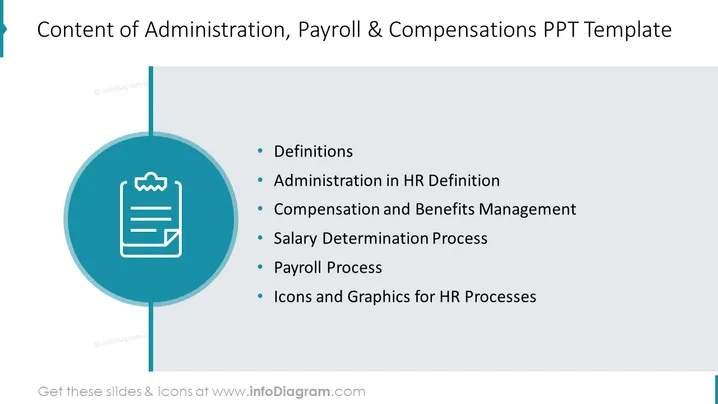
The PowerPoint slide outlines the key components of a template focused on Administration, Payroll, and Compensations. It includes "Definitions," clarifying terms related to the topic; "Administration in HR Definition," detailing the roles in human resources; "Compensation and Benefits Management," outlining the approach to employee remuneration; "Salary Determination Process," explaining how salaries are decided; "Payroll Process," describing the steps to process employee payments; and "Icons and Graphics for HR Processes," suggesting visual aids to represent HR procedures.
The slide is professionally designed with a simple and intuitive layout. The use of teal and white gives it a modern and corporate feel.




