
Your graphics add a nice touch to my presentations and I recently used them for one of my all-hands meetings. Your toolbox adds professionalism to my slides. Instead of using standard clipart.
Claude Jones, Director of Engineer, @Walmartlabs, USA
Your graphics add a nice touch to my presentations and I recently used them for one of my all-hands meetings. Your toolbox adds professionalism to my slides. Instead of using standard clipart.
Claude Jones, Director of Engineer, @Walmartlabs, USA
I needed a fresh look at some of my slides. I've tried to find a way to create a paintbrush effect, to underline, accentuate, add some color and the handwritten markers were just the things. Very easy to use, easy to size, change the color. It was an affordable, perfect solution and I'm happy to recommend it.
Anonymous, US
The crisp, clean look of the graphics, and the fact that it allowed me to easily edit and change the colors to match the template was my main reason for purchasing them.
Brandie Jenkins, E-learning Developer, USA
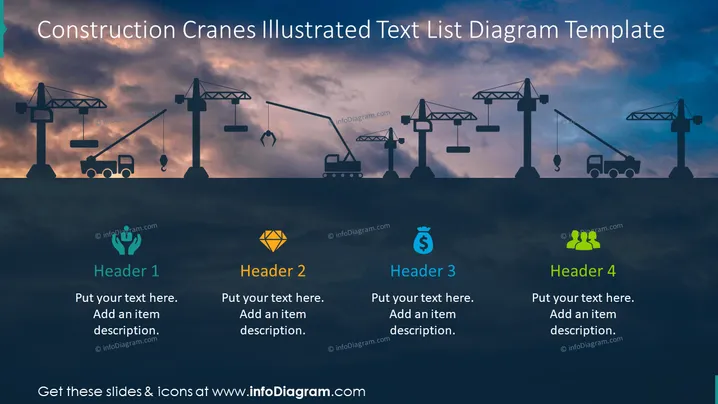
The slide is designed to display four key topics or discussion points in the context of construction. Each topic has a designated header (Header 1, Header 2, Header 3, Header 4) followed by space for a description. "Header 1" might be used to talk about foundation work, given the crane icon. "Header 2," highlighted by a gem icon, could pertain to valuable assets or cost evaluation in construction. With a money bag icon, "Header 3" seems appropriate for financial aspects like the budget or funding. "Header 4," accompanied by a group icon, may represent teamwork or the work crew involved.
The overall look of the slide is professional with a construction theme, utilizing a dark color scheme that is softened by the sky's natural gradient. The icons and text boxes feature contrasting colors to stand out against the background.




