
Your graphics add a nice touch to my presentations and I recently used them for one of my all-hands meetings. Your toolbox adds professionalism to my slides. Instead of using standard clipart.
Claude Jones, Director of Engineer, @Walmartlabs, USA

Your graphics add a nice touch to my presentations and I recently used them for one of my all-hands meetings. Your toolbox adds professionalism to my slides. Instead of using standard clipart.
Claude Jones, Director of Engineer, @Walmartlabs, USA

I needed a fresh look at some of my slides. I've tried to find a way to create a paintbrush effect, to underline, accentuate, add some color and the handwritten markers were just the things. Very easy to use, easy to size, change the color. It was an affordable, perfect solution and I'm happy to recommend it.
Anonymous, US
The crisp, clean look of the graphics, and the fact that it allowed me to easily edit and change the colors to match the template was my main reason for purchasing them.
Brandie Jenkins, E-learning Developer, USA
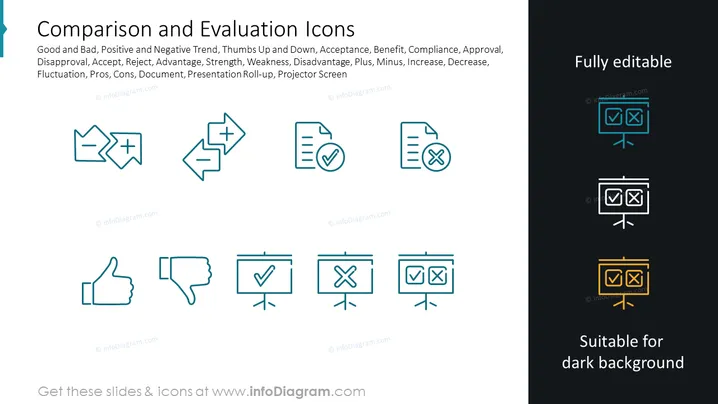
The PowerPoint slide titled "Comparison and Evaluation Icons" presents graphical representations of concepts such as good and bad, trends, acceptance, compliance, and evaluation. The slide displays icons of thumbs up and down depicting approval and disapproval, checkmarks and crosses for acceptance and rejection, a plus and minus sign for advantages and disadvantages, and documents with checkmarks and crosses to represent validated or invalidated items. The icons aim to visualize fluctuation, strengths, weaknesses, pros and cons, and relevant concepts in documents or presentations.
The slide has a clean, modern design with icons organized in a symmetric, grid-like pattern. The color scheme is simple, ensuring the icons are easily distinguishable and applicable to various presentation contexts.


