
Your graphics add a nice touch to my presentations and I recently used them for one of my all-hands meetings. Your toolbox adds professionalism to my slides. Instead of using standard clipart.
Claude Jones, Director of Engineer, @Walmartlabs, USA

Your graphics add a nice touch to my presentations and I recently used them for one of my all-hands meetings. Your toolbox adds professionalism to my slides. Instead of using standard clipart.
Claude Jones, Director of Engineer, @Walmartlabs, USA

I needed a fresh look at some of my slides. I've tried to find a way to create a paintbrush effect, to underline, accentuate, add some color and the handwritten markers were just the things. Very easy to use, easy to size, change the color. It was an affordable, perfect solution and I'm happy to recommend it.
Anonymous, US
The crisp, clean look of the graphics, and the fact that it allowed me to easily edit and change the colors to match the template was my main reason for purchasing them.
Brandie Jenkins, E-learning Developer, USA
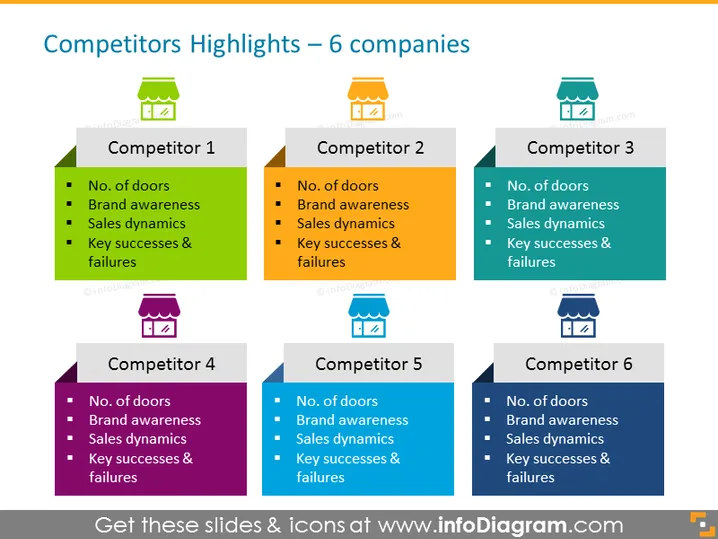
The slide is titled "Competitors Highlights – 6 companies" and is structured to analyze and compare six different competitors across four key metrics. Each competitor is represented in its own colored box with an icon and a corresponding number above it, from 1 to 6. The four metrics are "No. of doors," which may refer to product variety or market access; "Brand awareness," indicating the level of recognition each brand has; "Sales dynamics," likely illustrating the sales performance or growth over time; and "Key successes & failures," summarizing each competitor's strengths and weaknesses in their strategies or results.
The slide has a professional and clean design with a clear grid layout, facilitating easy comparison between competitors. The use of color-coding and simple icons allows for quick identification and distinction among the different companies.


