

Your graphics add a nice touch to my presentations and I recently used them for one of my all-hands meetings. Your toolbox adds professionalism to my slides. Instead of using standard clipart.
Claude Jones, Director of Engineer, @Walmartlabs, USA

Your graphics add a nice touch to my presentations and I recently used them for one of my all-hands meetings. Your toolbox adds professionalism to my slides. Instead of using standard clipart.
Claude Jones, Director of Engineer, @Walmartlabs, USA
I needed a fresh look at some of my slides. I've tried to find a way to create a paintbrush effect, to underline, accentuate, add some color and the handwritten markers were just the things. Very easy to use, easy to size, change the color. It was an affordable, perfect solution and I'm happy to recommend it.
Anonymous, US
The crisp, clean look of the graphics, and the fact that it allowed me to easily edit and change the colors to match the template was my main reason for purchasing them.
Brandie Jenkins, E-learning Developer, USA
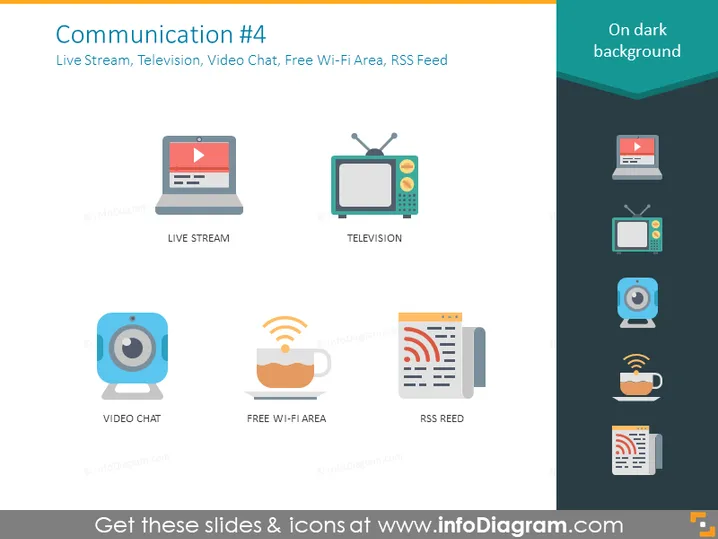
The slide titled "Communication #4" covers different methods of modern communication, specifically Live Stream, Television, Video Chat, Free Wi-Fi Area, and RSS Feed. Live Stream is a form of streaming media where video content is sent in real-time over the Internet. Television is a traditional form of broadcasting visual content through networks. Video Chat allows real-time video conversations over the internet. Free Wi-Fi Area represents public places offering internet access. RSS Feed is a type of web feed allowing users to access updates to online content in a standardized format.
The overall look of the slide is clean, with a minimalist design that uses simple graphics and legible text to convey the information effectively. The use of consistent iconography and a dark background ensures that the content is easily absorbed by the audience.



