
Your graphics add a nice touch to my presentations and I recently used them for one of my all-hands meetings. Your toolbox adds professionalism to my slides. Instead of using standard clipart.
Claude Jones, Director of Engineer, @Walmartlabs, USA
Your graphics add a nice touch to my presentations and I recently used them for one of my all-hands meetings. Your toolbox adds professionalism to my slides. Instead of using standard clipart.
Claude Jones, Director of Engineer, @Walmartlabs, USA
I needed a fresh look at some of my slides. I've tried to find a way to create a paintbrush effect, to underline, accentuate, add some color and the handwritten markers were just the things. Very easy to use, easy to size, change the color. It was an affordable, perfect solution and I'm happy to recommend it.
Anonymous, US
The crisp, clean look of the graphics, and the fact that it allowed me to easily edit and change the colors to match the template was my main reason for purchasing them.
Brandie Jenkins, E-learning Developer, USA
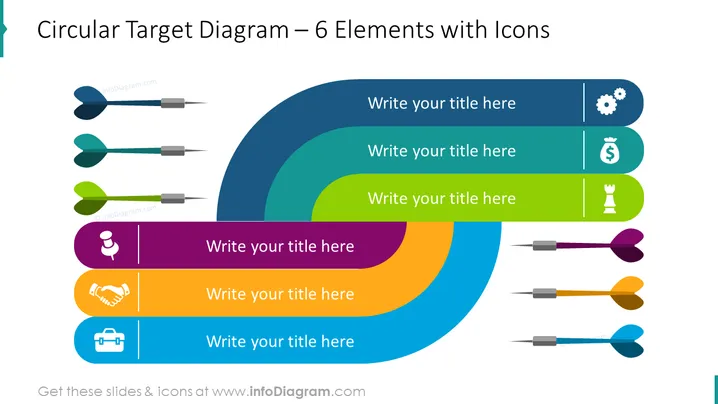
The Circular Target Diagram for Six Element Template can be used to illustrate a variety of business goals and objectives. It can help convey the importance of considering multiple factors and addressing different areas to achieve success. We have added space for you to write a brief description next to each element and icons to illustrate your idea creatively. All shapes are vectors, so you can play with the colors and resize the elements without losing quality. You can download this PPT template on Google Slides and Keynote.
White Background, Text Box, Colorful Circular Target Diagram, Gears Icon, Process Icon, Income Icon, Chess Piece Icon, Strategy Icon, Pin Icon, Deal Icon, Handshake Icon, Briefcase Icon




