
Your graphics add a nice touch to my presentations and I recently used them for one of my all-hands meetings. Your toolbox adds professionalism to my slides. Instead of using standard clipart.
Claude Jones, Director of Engineer, @Walmartlabs, USA
Your graphics add a nice touch to my presentations and I recently used them for one of my all-hands meetings. Your toolbox adds professionalism to my slides. Instead of using standard clipart.
Claude Jones, Director of Engineer, @Walmartlabs, USA
I needed a fresh look at some of my slides. I've tried to find a way to create a paintbrush effect, to underline, accentuate, add some color and the handwritten markers were just the things. Very easy to use, easy to size, change the color. It was an affordable, perfect solution and I'm happy to recommend it.
Anonymous, US
The crisp, clean look of the graphics, and the fact that it allowed me to easily edit and change the colors to match the template was my main reason for purchasing them.
Brandie Jenkins, E-learning Developer, USA
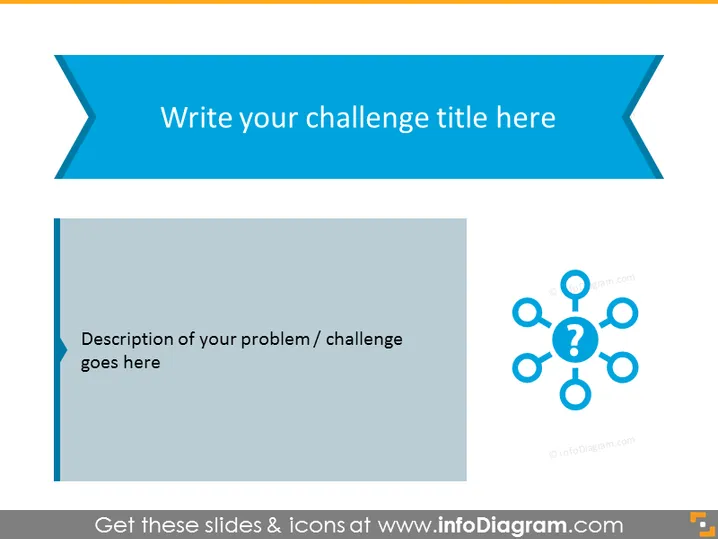
The PowerPoint slide is designed to present a specific challenge or problem. It offers a space for the title of the challenge at the top, and a detailed description is to be placed in the designated area. The slide leverages a visual representation in the form of a network with question marks, symbolizing the complexity and interconnected aspects of the issue at hand. This visual aid is potentially useful for breaking down the challenge into sub-components and prompting an in-depth discussion.
The overall look of the slide is clean and professional, employing a limited color palette to direct attention towards the content. The use of shapes and icons is minimalistic, fostering an environment conducive to focus and discussion.




