

Your graphics add a nice touch to my presentations and I recently used them for one of my all-hands meetings. Your toolbox adds professionalism to my slides. Instead of using standard clipart.
Claude Jones, Director of Engineer, @Walmartlabs, USA

Your graphics add a nice touch to my presentations and I recently used them for one of my all-hands meetings. Your toolbox adds professionalism to my slides. Instead of using standard clipart.
Claude Jones, Director of Engineer, @Walmartlabs, USA
I needed a fresh look at some of my slides. I've tried to find a way to create a paintbrush effect, to underline, accentuate, add some color and the handwritten markers were just the things. Very easy to use, easy to size, change the color. It was an affordable, perfect solution and I'm happy to recommend it.
Anonymous, US
The crisp, clean look of the graphics, and the fact that it allowed me to easily edit and change the colors to match the template was my main reason for purchasing them.
Brandie Jenkins, E-learning Developer, USA
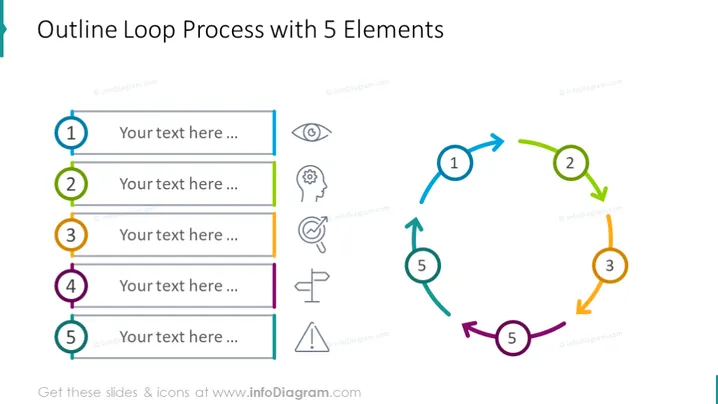
The PowerPoint slide titled "Outline Loop Process with 5 Elements" presents a circular process flow, broken into five distinct stages. Each stage is denoted by a number (1 to 5), allowing for the description of a sequence or cycle. This slide may portray iterative processes, continual improvement cycles, or steps in a repeating workflow. The placeholders next to each numbered point suggest where explanatory text can be added to elaborate on each step's content or function.
The overall look of the slide is clean and modern, with a colorful scheme to distinguish different sections of the loop. Each element is designed to guide the eye through the process being described, making it easy to follow the intended sequence.
This slide illustrates a process with five stages, designed for a looping sequence. Each step leads to the next, promoting a concept of ongoing development or rotation, such as in project management cycles, product development phases, or continuous improvement models. Descriptive text can be added alongside each numbered stage to provide viewers with a clear understanding of each component's role within the holistic process.
The slide maintains a clean, professional appearance with a colorful palette that highlights each step distinctly. The design enables easy navigation through the process, ensuring clarity in conveying the sequence of actions or phases.



