

Your graphics add a nice touch to my presentations and I recently used them for one of my all-hands meetings. Your toolbox adds professionalism to my slides. Instead of using standard clipart.
Claude Jones, Director of Engineer, @Walmartlabs, USA

Your graphics add a nice touch to my presentations and I recently used them for one of my all-hands meetings. Your toolbox adds professionalism to my slides. Instead of using standard clipart.
Claude Jones, Director of Engineer, @Walmartlabs, USA
I needed a fresh look at some of my slides. I've tried to find a way to create a paintbrush effect, to underline, accentuate, add some color and the handwritten markers were just the things. Very easy to use, easy to size, change the color. It was an affordable, perfect solution and I'm happy to recommend it.
Anonymous, US
The crisp, clean look of the graphics, and the fact that it allowed me to easily edit and change the colors to match the template was my main reason for purchasing them.
Brandie Jenkins, E-learning Developer, USA
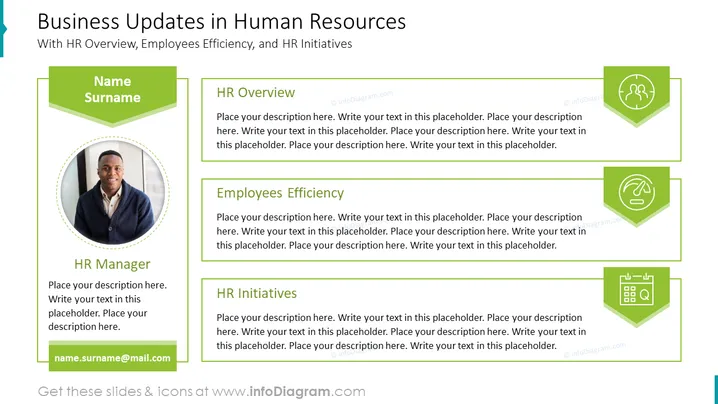
Slide Content: The slide is titled "Business Updates in Human Resources" with subtitles "HR Overview," "Employees Efficiency," and "HR Initiatives." These sections outline the key areas of focus for a presentation on human resources developments. The HR Overview section is likely to discuss the current state of the HR department or recent accomplishments. Employees Efficiency might explore strategies or results concerning workforce productivity. The HR Initiatives section would typically delve into new projects or policies being implemented within the HR sphere.
Graphical Look:
The overall look of the slide is modern and organized, effectively utilizing icons and color to demarcate different topic areas. The use of green suggests growth and innovation, making it visually appealing for a professional presentation.
Use Cases:



