

Your graphics add a nice touch to my presentations and I recently used them for one of my all-hands meetings. Your toolbox adds professionalism to my slides. Instead of using standard clipart.
Claude Jones, Director of Engineer, @Walmartlabs, USA

Your graphics add a nice touch to my presentations and I recently used them for one of my all-hands meetings. Your toolbox adds professionalism to my slides. Instead of using standard clipart.
Claude Jones, Director of Engineer, @Walmartlabs, USA
I needed a fresh look at some of my slides. I've tried to find a way to create a paintbrush effect, to underline, accentuate, add some color and the handwritten markers were just the things. Very easy to use, easy to size, change the color. It was an affordable, perfect solution and I'm happy to recommend it.
Anonymous, US
The crisp, clean look of the graphics, and the fact that it allowed me to easily edit and change the colors to match the template was my main reason for purchasing them.
Brandie Jenkins, E-learning Developer, USA
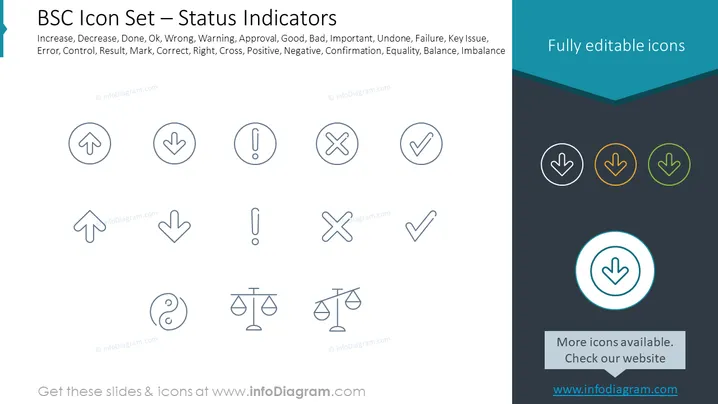
The slide presents a collection of icons designed as status indicators, providing a visual language for different statuses such as Increase (usually suggesting growth or improvement), Decrease (often indicating a reduction or decline), Done (signifying completion), Ok (implying acceptance or good condition), and various other status symbols including Warning, Approval, Error, and Control. These icons serve to quickly communicate certain states or actions within a business or analytical context, such as performance tracking, project management, or dashboard reporting.
The slide uses a clean and minimalistic design approach with a focus on clarity and easy interpretation of the icons. The color highlights in the header draw the viewer's eye across the slide, while the enlarged icon in the corner suggests emphasis or selection for detailed review.



