
Your graphics add a nice touch to my presentations and I recently used them for one of my all-hands meetings. Your toolbox adds professionalism to my slides. Instead of using standard clipart.
Claude Jones, Director of Engineer, @Walmartlabs, USA
Your graphics add a nice touch to my presentations and I recently used them for one of my all-hands meetings. Your toolbox adds professionalism to my slides. Instead of using standard clipart.
Claude Jones, Director of Engineer, @Walmartlabs, USA
I needed a fresh look at some of my slides. I've tried to find a way to create a paintbrush effect, to underline, accentuate, add some color and the handwritten markers were just the things. Very easy to use, easy to size, change the color. It was an affordable, perfect solution and I'm happy to recommend it.
Anonymous, US
The crisp, clean look of the graphics, and the fact that it allowed me to easily edit and change the colors to match the template was my main reason for purchasing them.
Brandie Jenkins, E-learning Developer, USA
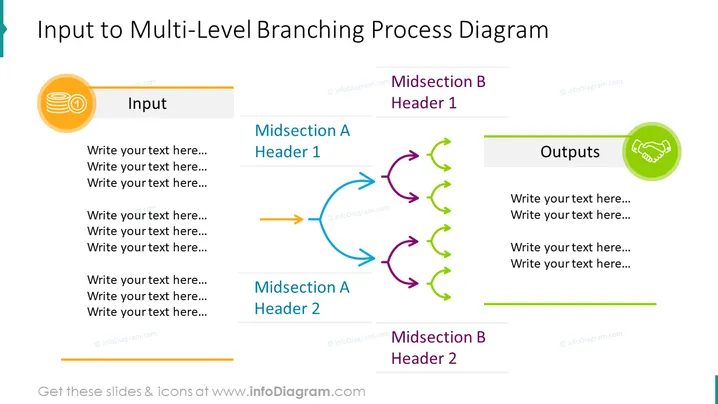
The slide depicts a "Multi-Level Branching Process Diagram," illustrating the flow of input to various outcomes through two distinct midsections. The process starts with "Input," indicated by an orange colored icon and field for text. It then branches into two midsections labeled "Midsection A" and "Midsection B," each with two headers allowing for detailed descriptions. Both these sections include a series of arrows, signifying progression or steps. The diagram culminates with the "Outputs" section, signified by a green icon and space for related text, highlighting the end result of the process.
The overall look of the slide is professional and colorful, with clear delineation between the sections of the process diagram indicated by icons and colored arrows. The choice of icons and colors helps to visually guide the viewer through the process flow.




