

Your graphics add a nice touch to my presentations and I recently used them for one of my all-hands meetings. Your toolbox adds professionalism to my slides. Instead of using standard clipart.
Claude Jones, Director of Engineer, @Walmartlabs, USA

Your graphics add a nice touch to my presentations and I recently used them for one of my all-hands meetings. Your toolbox adds professionalism to my slides. Instead of using standard clipart.
Claude Jones, Director of Engineer, @Walmartlabs, USA
I needed a fresh look at some of my slides. I've tried to find a way to create a paintbrush effect, to underline, accentuate, add some color and the handwritten markers were just the things. Very easy to use, easy to size, change the color. It was an affordable, perfect solution and I'm happy to recommend it.
Anonymous, US
The crisp, clean look of the graphics, and the fact that it allowed me to easily edit and change the colors to match the template was my main reason for purchasing them.
Brandie Jenkins, E-learning Developer, USA
Slide Content:
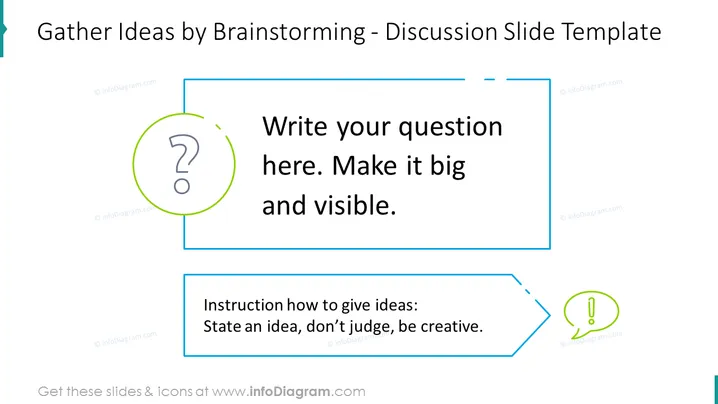
Instruction on how to give ideas:
You can use a brainstorming slide template in a variety of settings, including:
Business meetings: Brainstorming is a great way to generate new ideas for products, services, marketing campaigns, and other business initiatives. A brainstorming slide template can help to keep the meeting on track and ensure that all ideas are captured and considered.
Educational settings: Brainstorming can be used to help students learn new concepts and solve problems. A brainstorming slide template can be used to display questions or prompts for students to think about, and to capture their ideas.
Personal projects: Brainstorming can also be used to generate ideas for personal projects, such as planning a vacation, writing a book, or starting a business. A brainstorming slide template can help you to organize your thoughts and ideas in a visual way.
A brainstorming slide template can be used to create a structured and focused brainstorming session. The slide title and text boxes provide guidance for participants on how to generate and share ideas. The use of icons and colors can help to make the slide visually appealing and engaging.



