
Your graphics add a nice touch to my presentations and I recently used them for one of my all-hands meetings. Your toolbox adds professionalism to my slides. Instead of using standard clipart.
Claude Jones, Director of Engineer, @Walmartlabs, USA
Your graphics add a nice touch to my presentations and I recently used them for one of my all-hands meetings. Your toolbox adds professionalism to my slides. Instead of using standard clipart.
Claude Jones, Director of Engineer, @Walmartlabs, USA
I needed a fresh look at some of my slides. I've tried to find a way to create a paintbrush effect, to underline, accentuate, add some color and the handwritten markers were just the things. Very easy to use, easy to size, change the color. It was an affordable, perfect solution and I'm happy to recommend it.
Anonymous, US
The crisp, clean look of the graphics, and the fact that it allowed me to easily edit and change the colors to match the template was my main reason for purchasing them.
Brandie Jenkins, E-learning Developer, USA
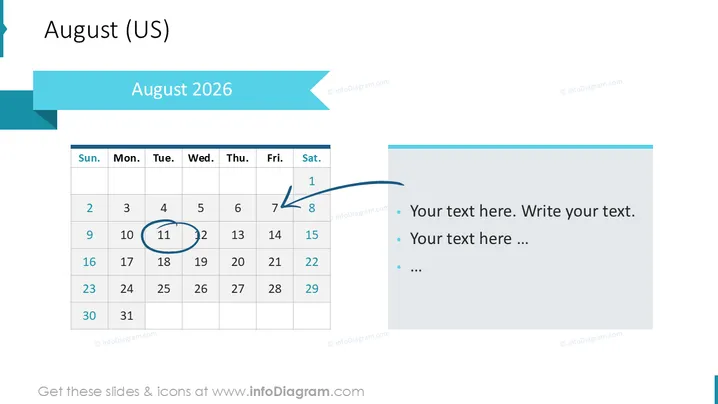
The PowerPoint slide shows a calendar for August 2026 with specific dates highlighted and an adjacent section for notes. The calendar is laid out in a standard US format starting with Sunday and ending with Saturday. Dates 8 and 9 are circled, and the 12th is highlighted with a blue halo, suggesting these dates are significant. The notes section contains placeholder text indicating where one can add relevant details or descriptions pertaining to the calendar dates.
The slide has a modern and professional look, with a coherent color scheme of teal, blue and grey that provides visual harmony. The contrast between the vivid header and the subdued tones of the calendar and text section makes the slide visually engaging.




