

Your graphics add a nice touch to my presentations and I recently used them for one of my all-hands meetings. Your toolbox adds professionalism to my slides. Instead of using standard clipart.
Claude Jones, Director of Engineer, @Walmartlabs, USA

Your graphics add a nice touch to my presentations and I recently used them for one of my all-hands meetings. Your toolbox adds professionalism to my slides. Instead of using standard clipart.
Claude Jones, Director of Engineer, @Walmartlabs, USA
I needed a fresh look at some of my slides. I've tried to find a way to create a paintbrush effect, to underline, accentuate, add some color and the handwritten markers were just the things. Very easy to use, easy to size, change the color. It was an affordable, perfect solution and I'm happy to recommend it.
Anonymous, US
The crisp, clean look of the graphics, and the fact that it allowed me to easily edit and change the colors to match the template was my main reason for purchasing them.
Brandie Jenkins, E-learning Developer, USA
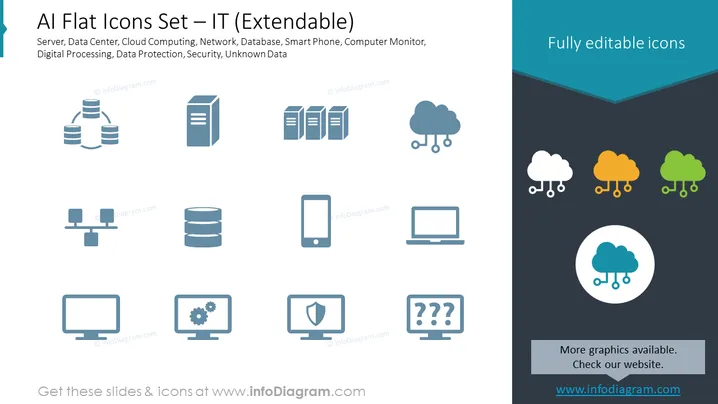
Slide Content: The slide introduces a set of flat icons related to information technology. These icons can be used to represent concepts such as Servers, suggesting centralized data storage or computing; Data Centers, which are facilities used to house computer systems; Cloud Computing, indicating internet-based computing services; Networks, showing interconnectivity; Databases for organized data collection; Smart Phones as mobile computing devices; Computer Monitors, the display interface for computers; Digital Processing related to computer-based processing tasks; Data Protection, security measures for data safety; and an icon for Security and one for Unknown Data, which could represent data that is undefined or not yet categorized.
Graphical Look:
The overall look of the slide is clean and professional, utilizing a crisp and modern flat design aesthetic. The icons are spaced evenly across the canvas, providing an uncluttered visual that's easy to interpret at a glance.
Use Cases:



