

Your graphics add a nice touch to my presentations and I recently used them for one of my all-hands meetings. Your toolbox adds professionalism to my slides. Instead of using standard clipart.
Claude Jones, Director of Engineer, @Walmartlabs, USA

Your graphics add a nice touch to my presentations and I recently used them for one of my all-hands meetings. Your toolbox adds professionalism to my slides. Instead of using standard clipart.
Claude Jones, Director of Engineer, @Walmartlabs, USA
I needed a fresh look at some of my slides. I've tried to find a way to create a paintbrush effect, to underline, accentuate, add some color and the handwritten markers were just the things. Very easy to use, easy to size, change the color. It was an affordable, perfect solution and I'm happy to recommend it.
Anonymous, US
The crisp, clean look of the graphics, and the fact that it allowed me to easily edit and change the colors to match the template was my main reason for purchasing them.
Brandie Jenkins, E-learning Developer, USA
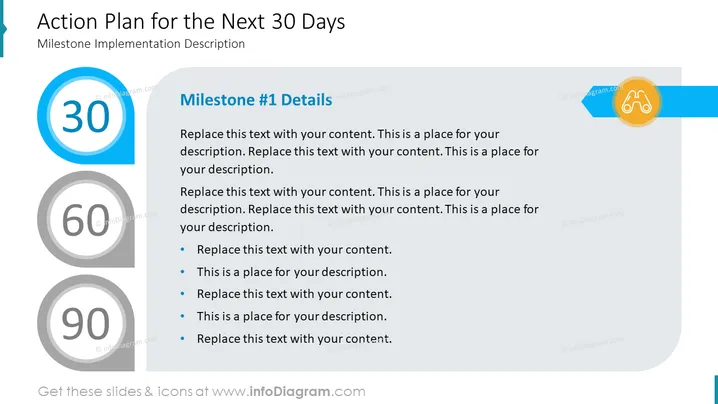
The slide is titled "Action Plan for the Next 30 Days" and appears to outline a strategy or project timeline. There are three milestones marked by numbered circles (30, 60, and 90), presumably indicating days. "Milestone #1 Details" has placeholder text suggesting that this is where specific actions or goals related to the first milestone should be described. Bullet points are provided as a format to list individual actions or subgoals, indicating different tasks or objectives that should be accomplished by day 30.
The slide is professionally designed with a balance of text, numbers, and colors to help create a visual hierarchy and guide the viewer's eye through the content sequentially.



