

Your graphics add a nice touch to my presentations and I recently used them for one of my all-hands meetings. Your toolbox adds professionalism to my slides. Instead of using standard clipart.
Claude Jones, Director of Engineer, @Walmartlabs, USA

Your graphics add a nice touch to my presentations and I recently used them for one of my all-hands meetings. Your toolbox adds professionalism to my slides. Instead of using standard clipart.
Claude Jones, Director of Engineer, @Walmartlabs, USA
I needed a fresh look at some of my slides. I've tried to find a way to create a paintbrush effect, to underline, accentuate, add some color and the handwritten markers were just the things. Very easy to use, easy to size, change the color. It was an affordable, perfect solution and I'm happy to recommend it.
Anonymous, US
The crisp, clean look of the graphics, and the fact that it allowed me to easily edit and change the colors to match the template was my main reason for purchasing them.
Brandie Jenkins, E-learning Developer, USA
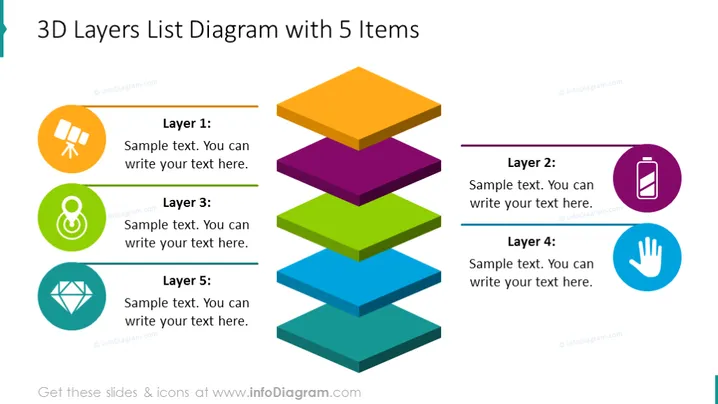
The slide displays a 3D layered structure consisting of five distinct levels, each associated with a customizable text area and a unique icon. Layer 1 might represent the foundation of a concept, Layer 2 could introduce a secondary element, Layer 3 may delve into a core component, Layer 4 appears to highlight an important feature, and Layer 5 potentially caps off the progression, indicating a culmination or final layer in a process, plan, or hierarchy.
The overall look of the slide is modern and visually engaging, with a colorful, well-organized design that clearly delineates each layer's section with crisp lines and vivid icons.



