
Your graphics add a nice touch to my presentations and I recently used them for one of my all-hands meetings. Your toolbox adds professionalism to my slides. Instead of using standard clipart.
Claude Jones, Director of Engineer, @Walmartlabs, USA

Your graphics add a nice touch to my presentations and I recently used them for one of my all-hands meetings. Your toolbox adds professionalism to my slides. Instead of using standard clipart.
Claude Jones, Director of Engineer, @Walmartlabs, USA

I needed a fresh look at some of my slides. I've tried to find a way to create a paintbrush effect, to underline, accentuate, add some color and the handwritten markers were just the things. Very easy to use, easy to size, change the color. It was an affordable, perfect solution and I'm happy to recommend it.
Anonymous, US
The crisp, clean look of the graphics, and the fact that it allowed me to easily edit and change the colors to match the template was my main reason for purchasing them.
Brandie Jenkins, E-learning Developer, USA
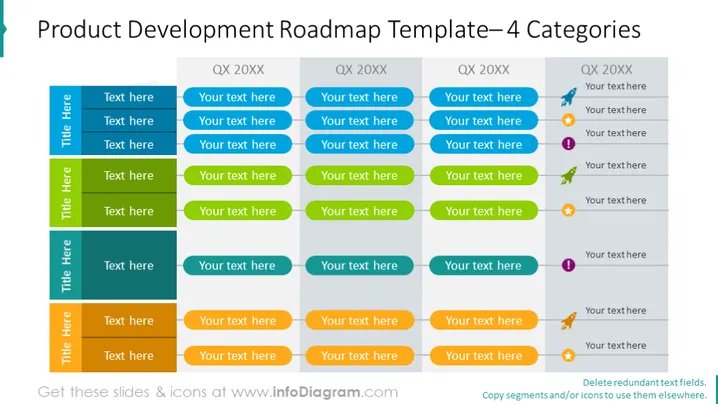
The PowerPoint slide titled 'Product Development Roadmap Template—4 Categories' is organized to present a strategic plan outlining the future product development initiatives of a company. It is divided into four categories, each supposed to be tailored with specific details. Each category could represent a phase, feature set, or aspect of the development pipeline and is marked by a quarterly time frame (QX 20XX). Adequate space is provided to add descriptive text for each element within the quarters, allowing for a detailed roadmap layout.
The slide is designed for clarity and organization, encouraging the viewer to focus on the temporal progression of the development plan. It uses contrast effectively through color-coding and alternates text box colors to keep the information distinct and easy to follow.


