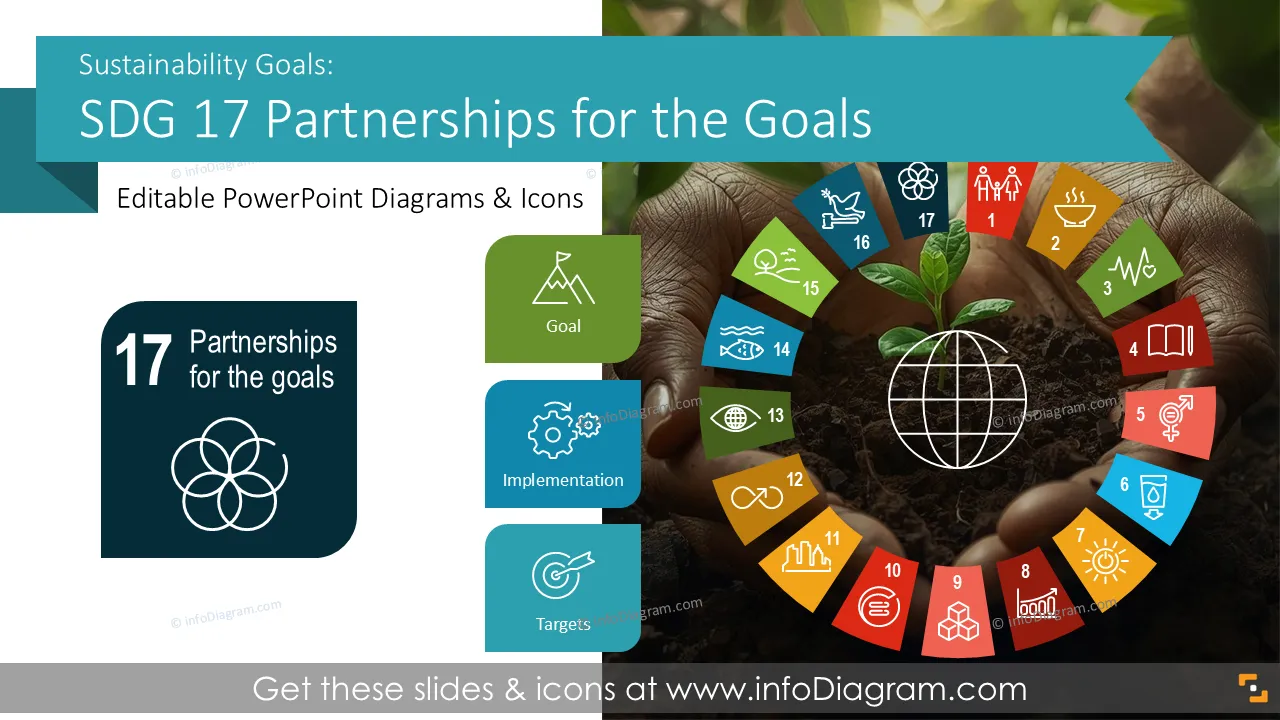
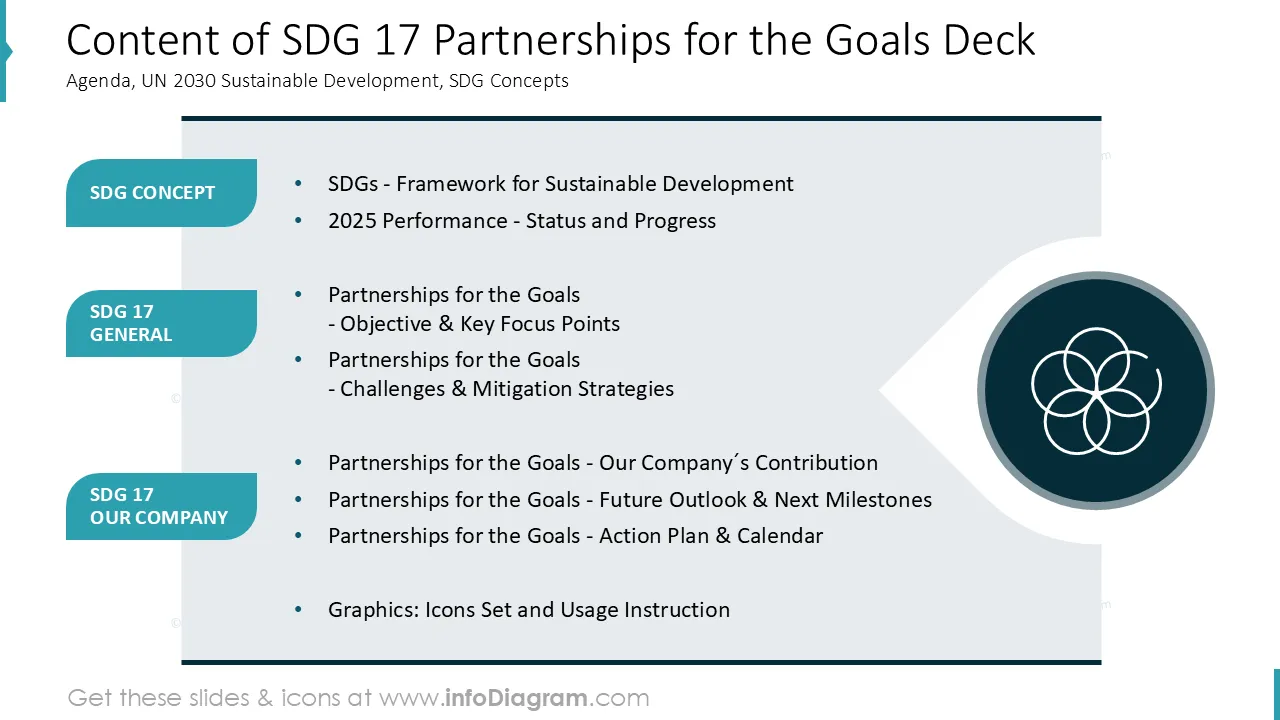
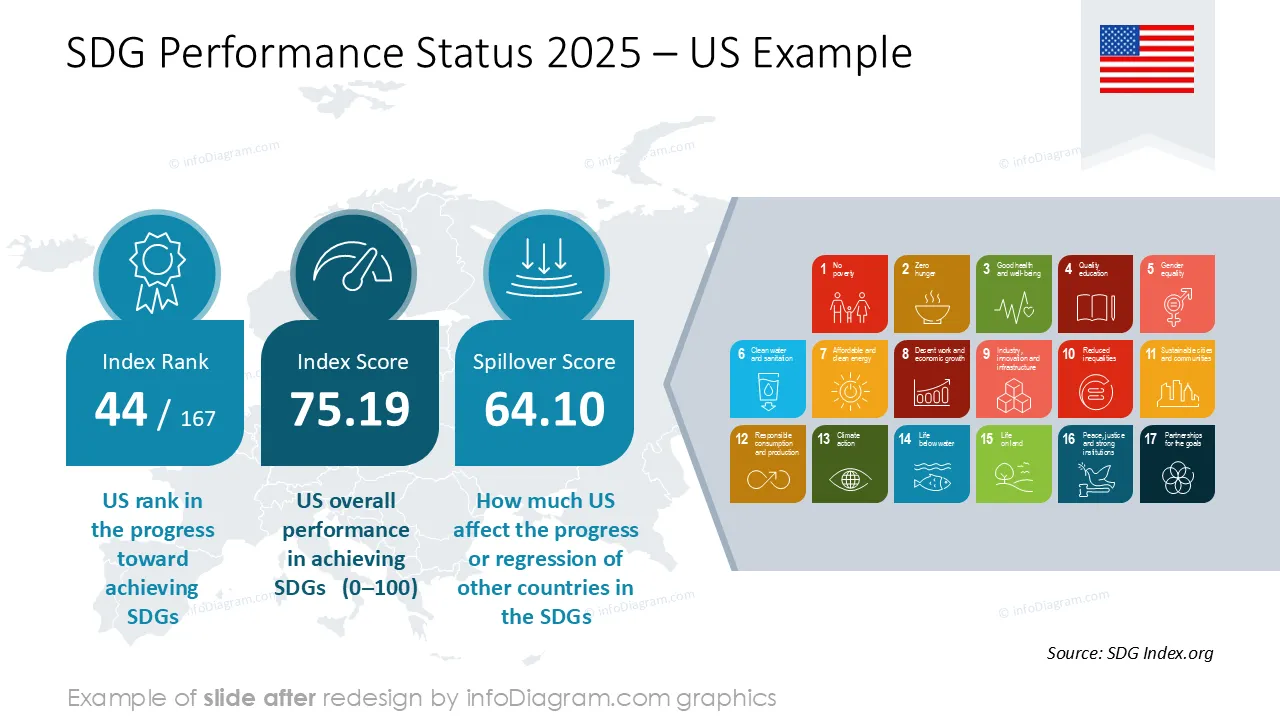
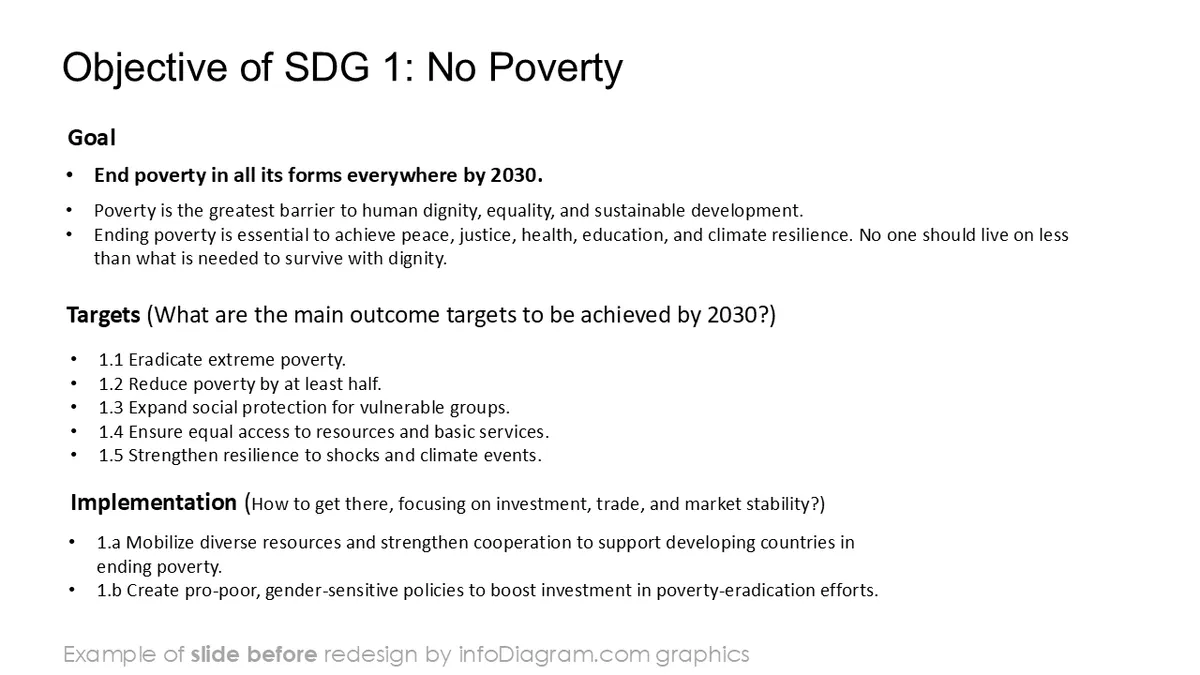
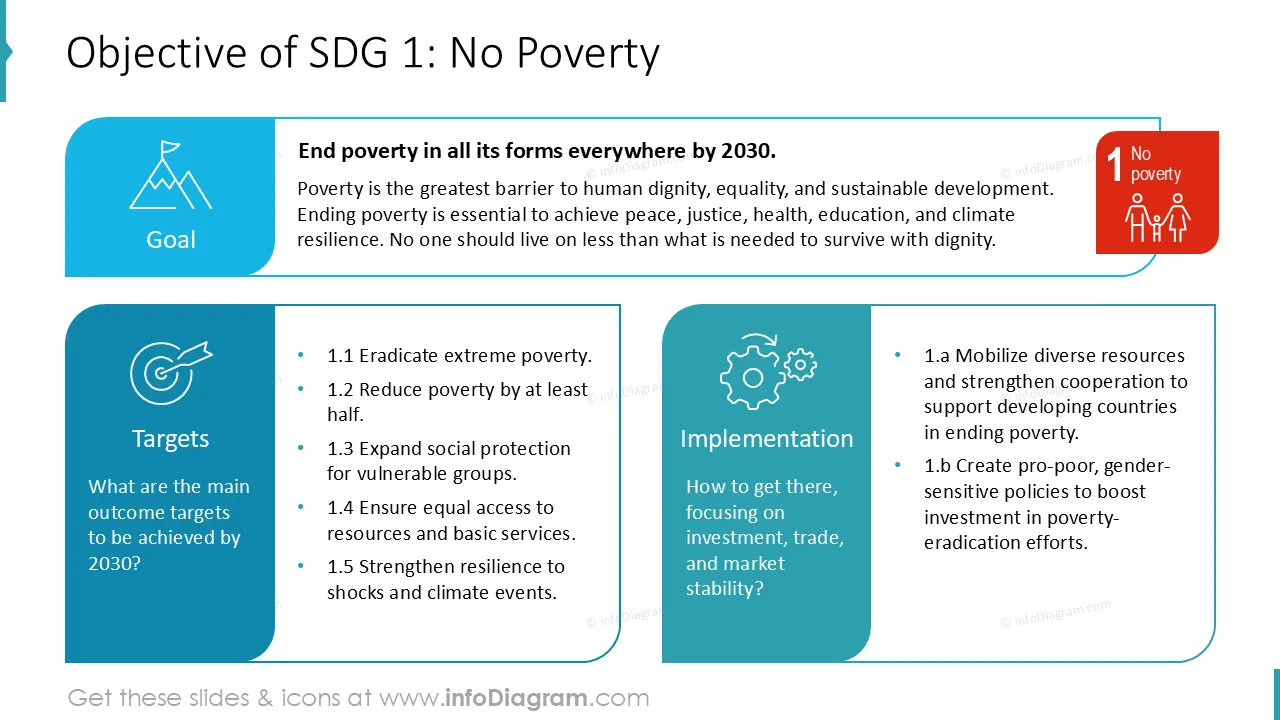
Presenting your sustainability collaboration efforts, partnerships, and shared impact across sectors? Use our pre-designed Sustainable Development Goals SDG 17 Partnerships for the Goals deck that incorporates partnership targets, indicators, and progress visuals clearly and consistently.
This SDG 17 PowerPoint template contains:
- 21 layouts with visuals about collaboration indicators, partnership targets, dashboards, sustainability topics.
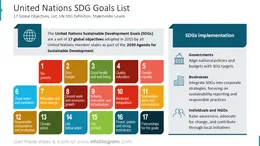
- 30+ icons illustrating sustainability topics, 17 SDG goals, Work, Economy, Performance, Finances, Plan, Strategy, People, Clean Energy, or other general business concepts
- Instruction on modifying those diagrams using standard PowerPoint editing tools.
This PowerPoint slide deck is designed in a professional style with colorful vector illustrations and line icons. All graphic shapes can be recolored and resized without quality loss.
What is the UN goal SDG 17 Partnerships for the Goals about?
SDG 17 is a United Nations Sustainable Development Goal focused on strengthening global partnerships to support sustainable development. It covers collaboration across governments, private sector, and civil society, including finance, technology, data, and capacity building.
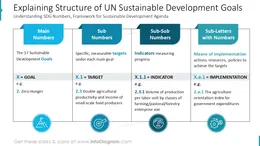
SDG 17 provides a common framework to track partnership contributions and collective progress using defined targets and indicators.
Why use a visual template for presenting UN Partnerships for the Goals SDG?
Partnership topics often involve multiple stakeholders, initiatives, and data sources. Visual slides help structure complex collaboration models and shared outcomes. Presenting with clear charts and diagrams make roles, contributions, and progress easy to understand. Adding icons and using structured layouts support alignment across partners and audiences.
Having a consistent PowerPoint slide deck saves time and improves clarity of your presentations.
Examples, where you can use the SDG 17 Partnerships for the Goals PPT template?
See situations where you can apply this SDG presentation:
- Present introduction to SDG 17 goals, targets, and indicators in a concise overview
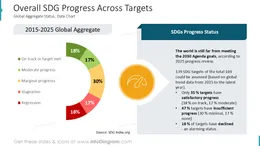
- Visualize partnerships, funding flows, and collaboration KPIs
- Present multi-stakeholder initiatives and shared value creation
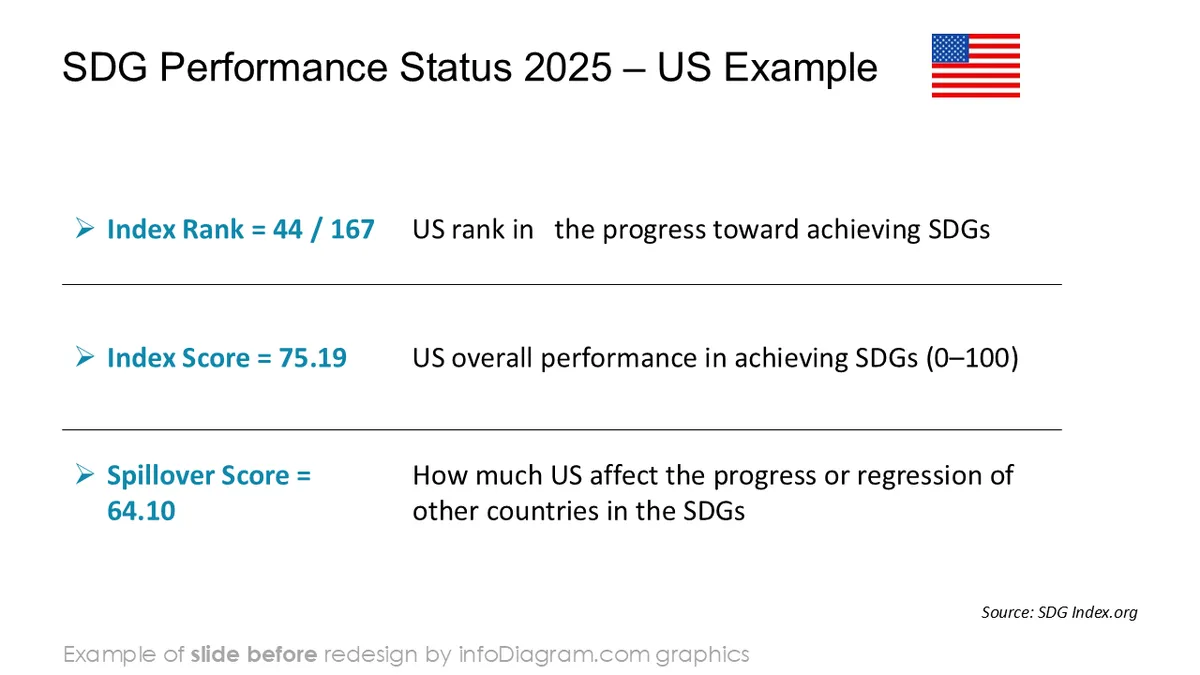
- Compare partnership performance across regions, programs, or time periods
- Show plans and initiatives outcomes status with visual status markers
- Create infographics for ESG reports and other sustainability materials
All graphics are editable to modify the size, colors, and text. Additionally, you can expand the collection further with additional PPT symbols (see the Related Diagrams section).
You can easily modify all elements:
- Replace icons
- Change the filling and outline color
- Modify size and proportions
- Rotate, flip, align, and change order
Authors of this SDG presentation template