
Your graphics add a nice touch to my presentations and I recently used them for one of my all-hands meetings. Your toolbox adds professionalism to my slides. Instead of using standard clipart.
Claude Jones, Director of Engineer, @Walmartlabs, USA
Your graphics add a nice touch to my presentations and I recently used them for one of my all-hands meetings. Your toolbox adds professionalism to my slides. Instead of using standard clipart.
Claude Jones, Director of Engineer, @Walmartlabs, USA
I needed a fresh look at some of my slides. I've tried to find a way to create a paintbrush effect, to underline, accentuate, add some color and the handwritten markers were just the things. Very easy to use, easy to size, change the color. It was an affordable, perfect solution and I'm happy to recommend it.
Anonymous, US
The crisp, clean look of the graphics, and the fact that it allowed me to easily edit and change the colors to match the template was my main reason for purchasing them.
Brandie Jenkins, E-learning Developer, USA
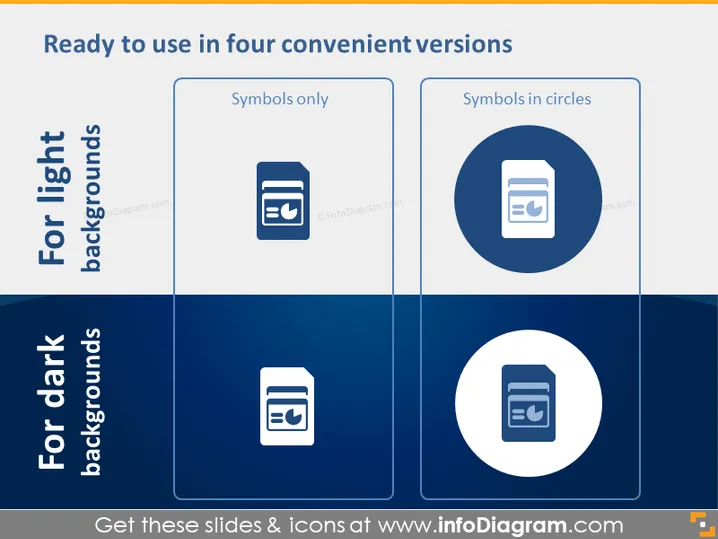
La diapositive PowerPoint présente quatre styles d'icônes différents adaptés à des arrière-plans clairs ou sombres, démontrant leur adaptabilité. "Symboles uniquement" offre un aspect minimaliste, tandis que "Symboles dans des cercles" propose une représentation visuellement encapsulée. Ces styles permettent au présentateur d'associer les icônes à l'esthétique de la diapositive, assurant une communication visuelle claire, quel que soit la couleur de l'arrière-plan.
La diapositive utilise un design propre et professionnel avec un fort contraste entre les icônes et leurs arrière-plans, la rendant visuellement attrayante et facile à comprendre d'un coup d'œil.




