
Your graphics add a nice touch to my presentations and I recently used them for one of my all-hands meetings. Your toolbox adds professionalism to my slides. Instead of using standard clipart.
Claude Jones, Director of Engineer, @Walmartlabs, USA
Your graphics add a nice touch to my presentations and I recently used them for one of my all-hands meetings. Your toolbox adds professionalism to my slides. Instead of using standard clipart.
Claude Jones, Director of Engineer, @Walmartlabs, USA
I needed a fresh look at some of my slides. I've tried to find a way to create a paintbrush effect, to underline, accentuate, add some color and the handwritten markers were just the things. Very easy to use, easy to size, change the color. It was an affordable, perfect solution and I'm happy to recommend it.
Anonymous, US
The crisp, clean look of the graphics, and the fact that it allowed me to easily edit and change the colors to match the template was my main reason for purchasing them.
Brandie Jenkins, E-learning Developer, USA
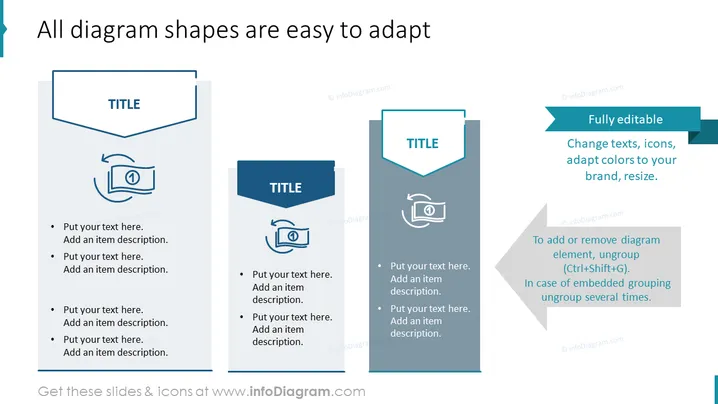
La diapositive PowerPoint met en avant l'adaptabilité des formes de diagramme dans une présentation. Elle présente trois styles de diagrammes distincts qui peuvent être entièrement modifiés. Chaque diagramme met en avant un style de conception différent avec une zone de titre en forme de bannière et une icône qui démontre la personnalisation, impliquant que l'utilisateur peut changer les textes, les icônes, les couleurs et les tailles. Elle comprend également des espaces réservés pour du texte supplémentaire, indiquant où l'utilisateur peut entrer son propre contenu.




