

Your graphics add a nice touch to my presentations and I recently used them for one of my all-hands meetings. Your toolbox adds professionalism to my slides. Instead of using standard clipart.
Claude Jones, Director of Engineer, @Walmartlabs, USA

Your graphics add a nice touch to my presentations and I recently used them for one of my all-hands meetings. Your toolbox adds professionalism to my slides. Instead of using standard clipart.
Claude Jones, Director of Engineer, @Walmartlabs, USA
I needed a fresh look at some of my slides. I've tried to find a way to create a paintbrush effect, to underline, accentuate, add some color and the handwritten markers were just the things. Very easy to use, easy to size, change the color. It was an affordable, perfect solution and I'm happy to recommend it.
Anonymous, US
The crisp, clean look of the graphics, and the fact that it allowed me to easily edit and change the colors to match the template was my main reason for purchasing them.
Brandie Jenkins, E-learning Developer, USA
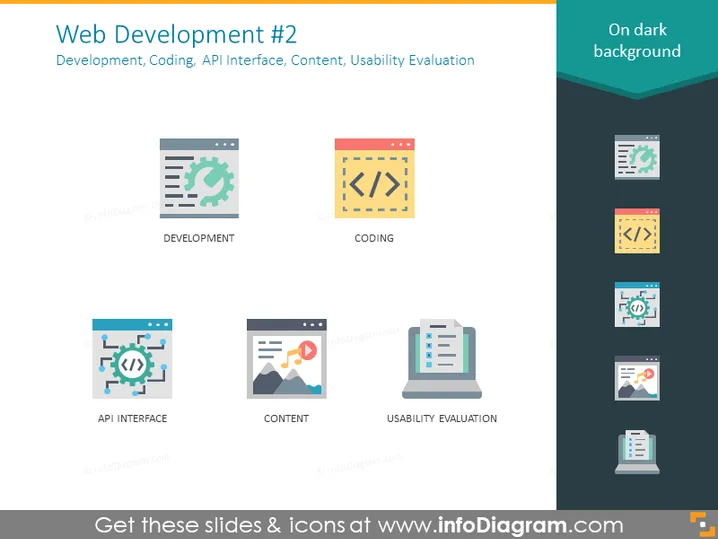
La diapositive PowerPoint intitulée "Développement Web #2" énumère les aspects clés du développement web, y compris Développement, Codage, Interface API, Contenu et Évaluation de l'Utilisabilité. "Développement" implique le processus global de création d'un site web ou d'une application web. "Codage" reflète la programmation réelle et la construction de la fonctionnalité du site. "Interface API" concerne la conception des points d'échange de données où différentes applications logicielles peuvent communiquer. "Contenu" représente la création et la gestion du matériel avec lequel les utilisateurs interagiront. Enfin, "Évaluation de l'Utilisabilité" suggère un processus de test de la convivialité du site web ou de l'application.
La conception de la diapositive est propre et moderne, utilisant des icônes audacieuses et des polices nettes pour transmettre les composants du développement web. Le schéma de couleurs et la mise en page favorisent la lisibilité et une hiérarchie visuelle claire.



