

Your graphics add a nice touch to my presentations and I recently used them for one of my all-hands meetings. Your toolbox adds professionalism to my slides. Instead of using standard clipart.
Claude Jones, Director of Engineer, @Walmartlabs, USA

Your graphics add a nice touch to my presentations and I recently used them for one of my all-hands meetings. Your toolbox adds professionalism to my slides. Instead of using standard clipart.
Claude Jones, Director of Engineer, @Walmartlabs, USA
I needed a fresh look at some of my slides. I've tried to find a way to create a paintbrush effect, to underline, accentuate, add some color and the handwritten markers were just the things. Very easy to use, easy to size, change the color. It was an affordable, perfect solution and I'm happy to recommend it.
Anonymous, US
The crisp, clean look of the graphics, and the fact that it allowed me to easily edit and change the colors to match the template was my main reason for purchasing them.
Brandie Jenkins, E-learning Developer, USA
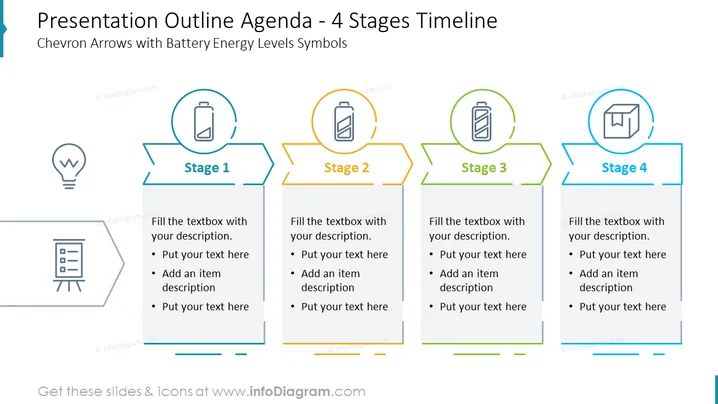
La diapositive d’agenda de réunion en quatre étapes est un modèle de présentation pour maintenir vos réunions structurées. Utilisable pour quasiment n'importe quelle réunion, cette diapositive comprend quatre étapes que vous pouvez modifier. Par exemple, vous pouvez opter pour : Ouverture, Présentation, Discussion et Clôture. Donnez à chaque étape son propre objectif et classez les sujets de votre choix. En utilisant cette diapositive, vous pouvez faire un pas pour garantir que vos réunions soient plus productives, efficaces et mieux structurées.



